
Quick Answer
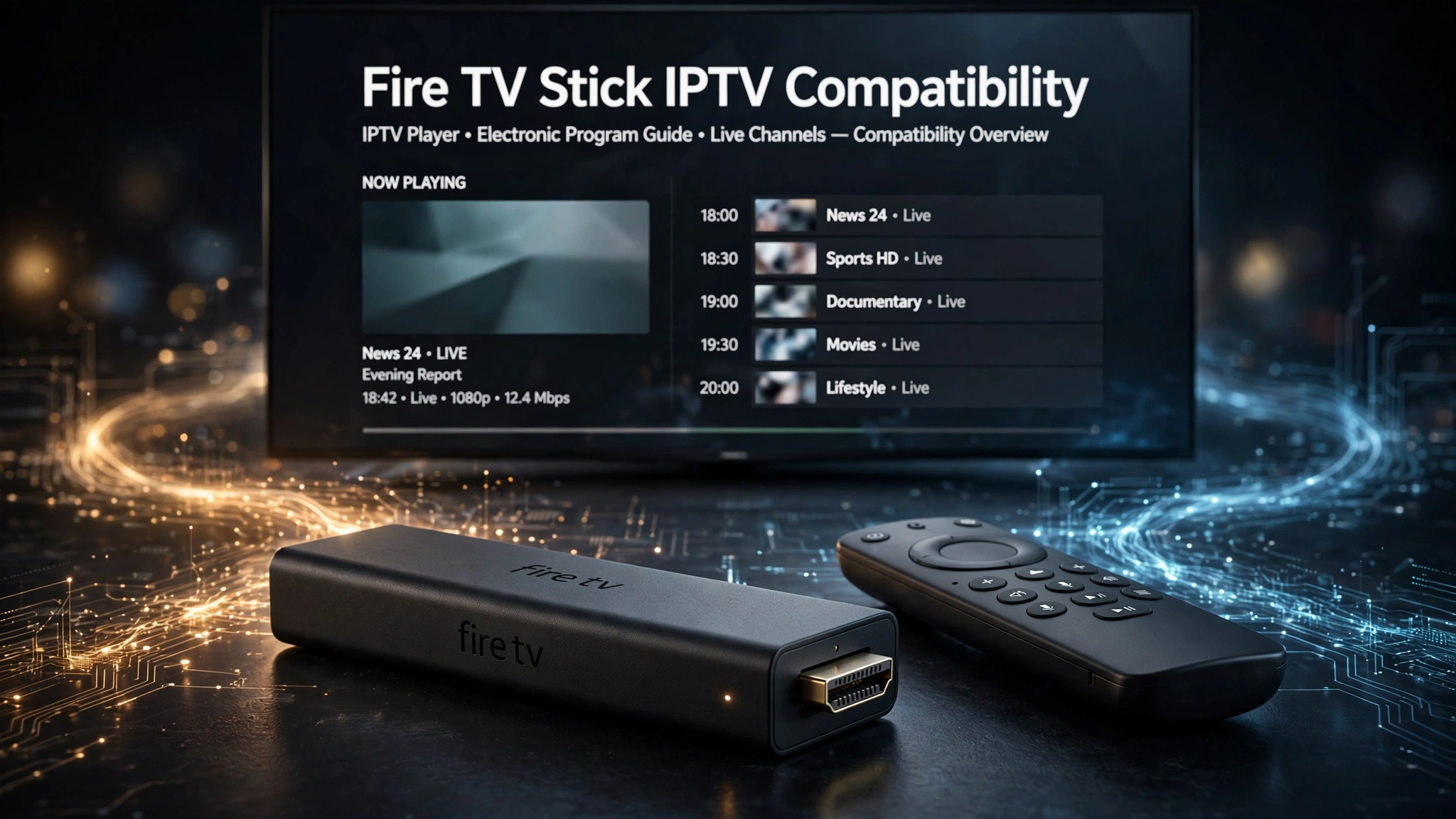
Fire TV Stick IPTV compatibility largely comes down to which operating system your device runs. Yes, you can still use standard Android IPTV player apps on Fire OS models. Vega OS is a different platform that does not run Android app files, so the popular Android-based players are incompatible with it.
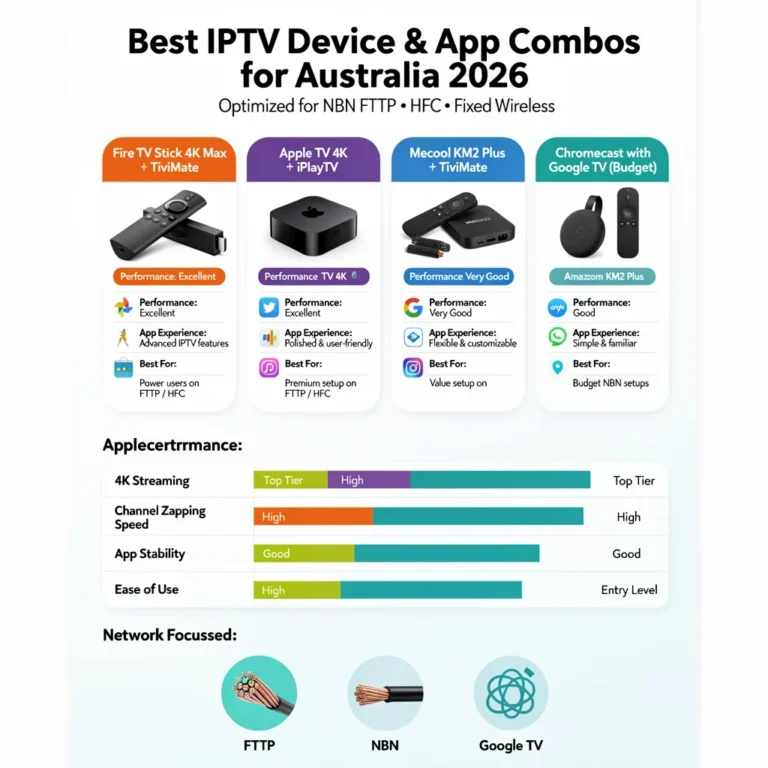
For a wider view of what runs IPTV in Australia, check out our guide to IPTV devices and apps.
Can You Still Get IPTV on a Firestick in 2026?
Yes—but “Firestick” is no longer a single compatibility category. Fire TV now spans two operating systems: Fire OS on Android-based devices, and Vega OS on newer Fire TV hardware. Fire OS runs Android apps. Vega OS does not. The name on the box no longer settles which one you are holding.
This split is recent enough that most buying advice still assumes every Fire TV Stick behaves the same way. A guide written before the change will walk you through steps that have no equivalent on a Vega OS device—not because the steps are wrong but because the device was built differently.
The practical consequence is a buying decision, not a settings problem. If you already own a Fire OS model, nothing has changed for you. If you are shopping for a new one, the operating system is the first thing to establish and the hardest thing to see on a retail listing.
Key takeaway: The Fire Stick still works for IPTV – but only the Fire OS models, and the model name alone won’t tell you which is which.
Why Most IPTV Apps Aren’t in the Amazon Appstore
The Amazon Appstore carries a small number of IPTV players. Most of the players people ask about by name — Tivimate, XCIPTV, OTT Navigator, and Kodi — don’t show up there. Their developers distribute them as Android app files, which is why installing them on Fire OS involves a step outside the store.
This is relevant for compatibility because it changes what “app support” means. A device that only installs from the Amazon Appstore isn’t limited to fewer IPTV apps — it is limited to whichever ones Amazon happens to carry, which excludes most of the players people search for.
| IPTV app | Listed in the Amazon Appstore? | Installed from outside the store? |
|---|---|---|
| TiviMate | No | Yes |
| XCIPTV | No | Yes |
| OTT Navigator | No | Yes |
| Kodi | No | Yes |
| IPTV Smarters Pro | Varies by region and over time | Often |
The last row is deliberately imprecise. Appstore listings for IPTV players appear and disappear, so treat availability as something to check on the day rather than a fixed fact.
If you want to compare the players themselves rather than where they come from, that belongs in our IPTV app comparison.
Key takeaway: Most named IPTV players are not Amazon Appstore apps, so a device restricted to that store cannot run them.
What Is Vega OS, and Why Does It Break IPTV?
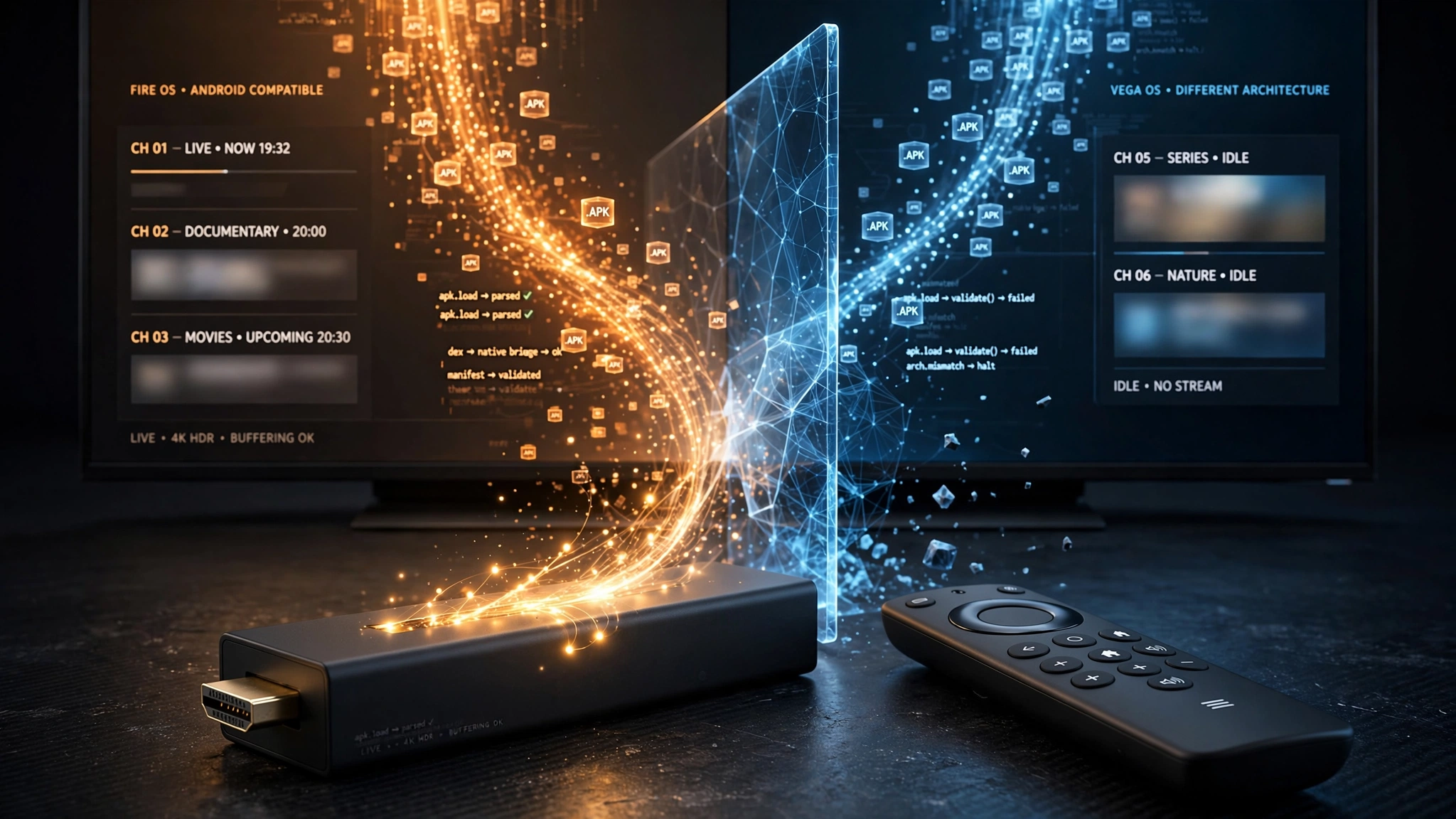
Vega OS is Amazon’s newer operating system for Fire TV devices. It is not Android-based, and it uses a different app package format entirely. Android app files — the .apk files that IPTV players are distributed as — do not run on it. This is a structural difference, not a restriction that can be switched off.
Fire OS was built on Android. Amazon describes it as a fork of Android, which is the whole reason Fire TV Sticks became popular for IPTV: an app written for Android phones and tablets would generally run on the stick with little modification.
Vega OS breaks that inheritance. Its apps use an extension and are built with React Native and web technologies through Amazon’s Vega developer tools, rather than as Android packages. Amazon has also stated that starting with the Fire TV Stick 4K Select, all future Fire TV Sticks will run on Vega, and its product pages for newer sticks note that the device prevents installing apps from unknown sources.
Why can’t developers simply release a new version? This query is the question most people ask next, and the answer is what makes the change durable rather than temporary. Vega OS isn’t a newer Android that needs an updated build — it’s a different platform with a different app format and a different development kit. An IPTV developer would need to create a Vega OS version of the app rather than distributing the existing Android package. For a small development team, that is a decision about whether to enter a new platform at all.
The precise limitation. Vega OS could, in principle, host IPTV software built specifically for Vega. What it cannot do is run the Android IPTV players this guide discusses. That distinction matters technically, but for someone standing in a shop today it points the same way: none of the widely used players are available for Vega OS.
A note on terminology. Installing an app from outside an official store is usually called sideloading. On Fire OS, sideloading is a built-in feature: you enable a setting and then use an installer app. Amazon documents a developer path on Vega OS involving a developer account and a registered device, but there is no equivalent consumer-facing path.
Key takeaway: Vega OS uses a different app format from Android, so this is a platform change rather than a setting you can turn off.
Which Fire TV Stick Models Support IPTV Apps?
The Fire TV Stick models listed here that run Fire OS support Android IPTV player apps: the Fire TV Stick 4K, 4K Plus, 4K Max, Fire TV Cube, and older Lite and 3rd-gen sticks. The two Vega OS models — Fire TV Stick 4K Select and the current Fire TV Stick HD — do not support IPTV apps.
| Fire TV Stick model | OS | Android IPTV players | What this means |
|---|---|---|---|
| Fire TV Stick 4K Max | Fire OS | Supported | Android-based — runs standard IPTV player apps |
| Fire TV Stick 4K Plus | Fire OS | Supported | Android-based — runs standard IPTV player apps |
| Fire TV Stick 4K | Fire OS | Supported | Android-based — runs standard IPTV player apps |
| Fire TV Cube | Fire OS | Supported | Android-based — runs standard IPTV player apps |
| Older Lite / 3rd-gen sticks | Fire OS | Supported | Android-based — HD output only |
| Fire TV Stick 4K Select | Vega OS | Not supported | Not Android — Android app files don’t run on it |
| Current Fire TV Stick HD | Vega OS | Not supported | Not Android — Android app files don’t run on it |
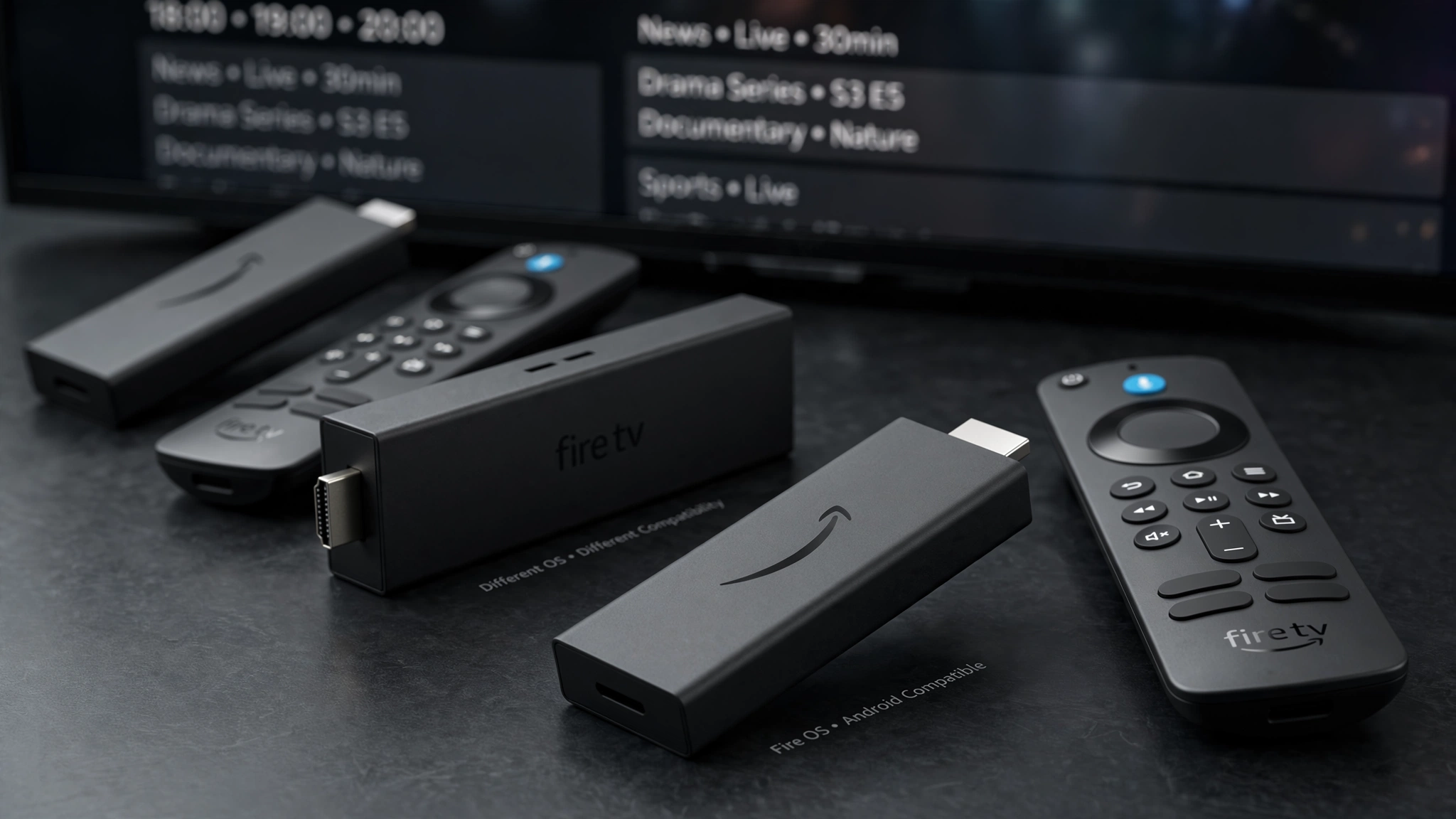
Two cautions on this table. First, “Fire TV Stick HD” has been used for more than one device: older HD models were Android-based, while the current one ships with Vega OS. The name alone cannot settle it. Second, Amazon has stated that future Fire TV Sticks will run Vega OS, so treat this table as accurate for what’s on shelves now rather than permanently fixed.
Both cautions point the same way: check the operating system rather than trusting the model name.
How to Check Which OS Your Fire TV Stick Runs
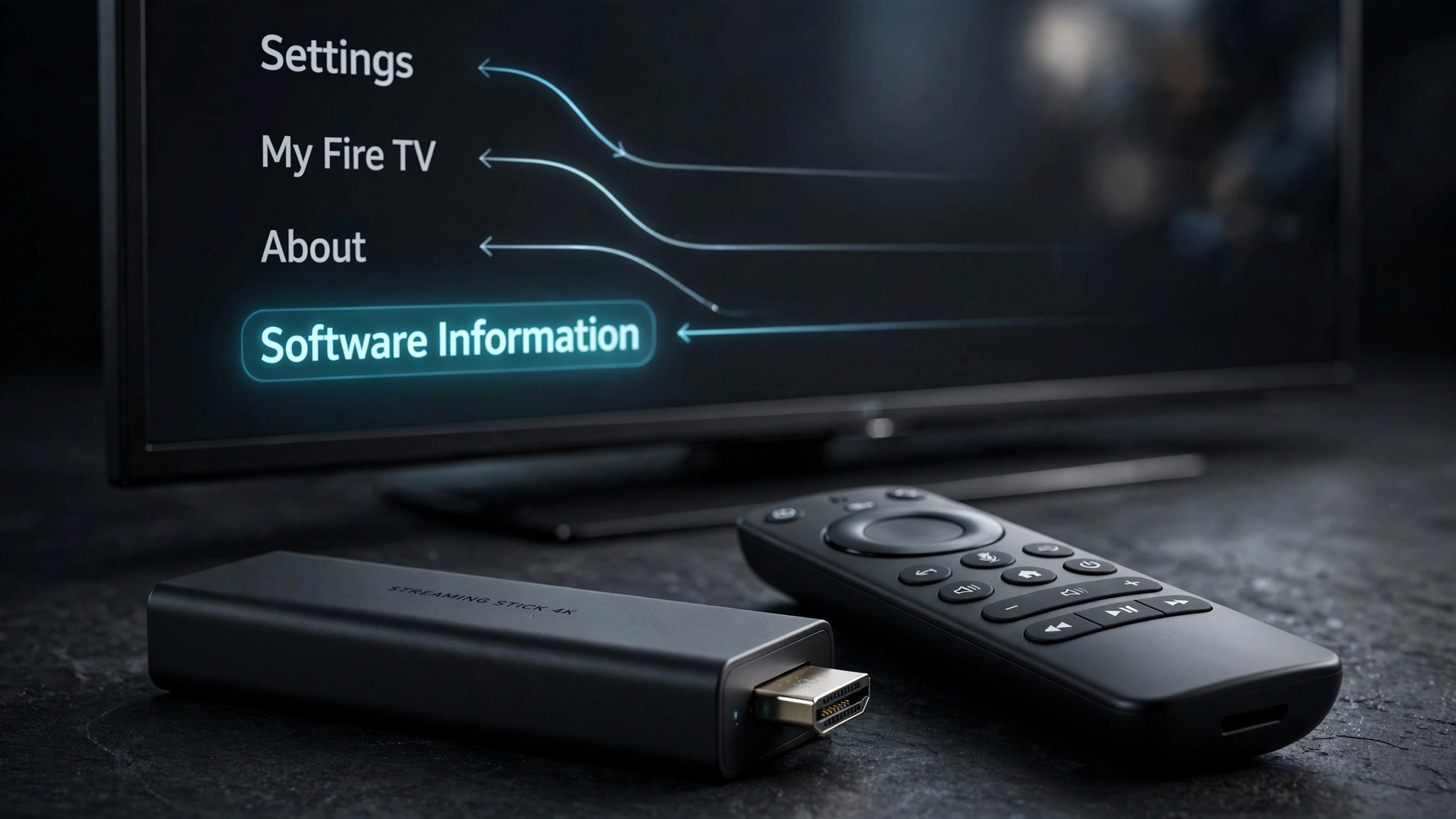
The device information screen is the place to look, and it takes under a minute.
- From the Fire TV main screen,
go to **Settings**. - Select My Fire TV
- Select About
- Read the device name and software information shown there
If the software information identifies Fire OS, you have an Android-based Fire TV device, and it runs standard IPTV player apps. If it identifies Vega OS, the device uses Amazon’s newer platform. If the operating system is not clear from that screen, verify the exact model against the table above before installing anything or buying around IPTV compatibility.
If you are still in a shop and can’t reach this menu, the packaging will not reliably answer the question. Ask before you pay.
The Buying Trap: “Plus” vs “Select”
The naming is the problem. Amazon sells a Fire TV Stick 4K Plus and a Fire TV Stick 4K Select. One is Android-based and runs IPTV players; the other is not. The devices sit at similar prices, look similar on a shelf, and differ by a single word that carries no obvious meaning to a buyer.
Nothing on a retail listing announces the operating system in the way that matters here. A specification sheet may mention VegaOS in passing, but it won’t tell an IPTV user what the consequence is — and most people buying a streaming stick have no reason to know that the operating system is the deciding factor at all.
The issue is worth naming plainly because the mistake is expensive in a specific way: the device works perfectly for Prime Video and Netflix, so it doesn’t feel faulty. It only fails at the one thing you bought it for.
What to Ask Before You Buy a Streaming Device
The most reliable protection is a question, asked before payment rather than after.
Ask the seller directly: Does this device allow installing apps from outside its official store?
Phrase it that way rather than asking about IPTV. Sellers may not know what IPTV is, may be cautious about the topic, or may give vague answers. But whether a device permits installing apps from outside its store is a factual hardware question a knowledgeable seller can answer — and it happens to be exactly the question that determines whether IPTV players will work.
Two follow-ups worth adding:
- What is the return policy if the device doesn’t do what I need? Establish these terms before buying, not after discovering the limitation.
- Can you please show me the device information screen? If the unit is on display, a minute settles it.
This principle applies beyond Fire TV. Locked-down app stores are becoming more common across streaming hardware generally, so the same question is worth asking about any device you’re considering.
Already Own a Vega OS Fire Stick? Your Options
If you have already bought one, there is no consumer setting that makes an Android app file run on Vega OS. Three realistic paths:
Return it if you still can. If you’re inside the return window and bought it specifically for IPTV, this is the cleanest option. Retailer policies vary, so check the specific terms rather than assuming.
Keep it for what it does well. A Vega OS stick handles mainstream streaming services normally. If you have another TV that only needs Netflix, Prime Video, or free-to-air catch-up, it isn’t wasted hardware.
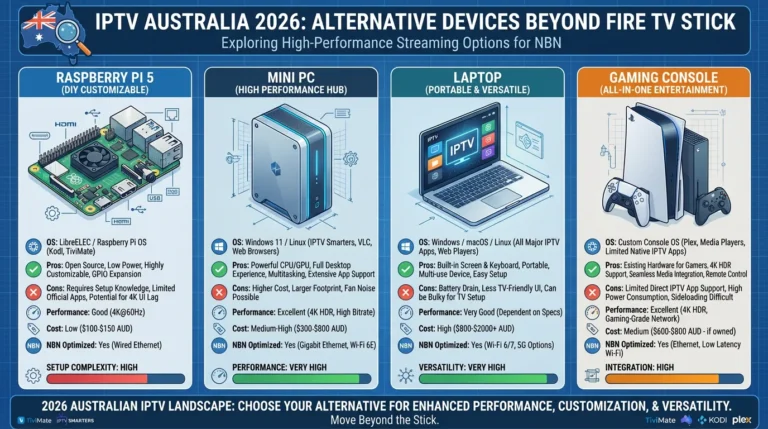
Use a different device for IPTV. Any Android-based streaming device installs IPTV players the same way a Fire OS stick does. Our guide to alternative IPTV devices covers the categories, and Android TV devices cover that platform in detail.
What won’t work: waiting for a workaround. The app format difference is structural, and no consumer-facing path around it exists.
What Fire TV Stick IPTV Compatibility Actually Means
Device compatibility answers one question and only one: can this hardware run the app? It doesn’t tell you which app to choose, whether your provider will perform well on it, or whether a given service is licensed.
Three distinctions worth keeping separate:
Compatible doesn’t mean everything is available. A Fire OS stick runs IPTV player apps, but most of those apps still come from outside the Amazon Appstore. Compatibility is about capability, not convenience.
The device and the service are separate decisions. Choosing hardware and choosing an IPTV service are unrelated problems. A compatible device says nothing about whether a particular provider is reliable or legal — see our guide on whether IPTV is legal in Australia.
The app is a third decision again. Once you know your device works, deciding which player to install is a separate comparison, covered in our IPTV app comparison.
If your device is Fire OS and you’re ready to set it up, the process is in our Fire TV Stick IPTV setup guide.
Bottom Line
If you already own a Fire OS Fire Stick: nothing has changed. Your IPTV apps will continue to work, and there is no reason to replace the device.
If you are shopping for a new streaming stick, the operating system is the deciding factor, not the model name or the price. Check the device information screen before you pay, or ask the seller directly whether the device allows installing apps from outside its official store.
If you have already bought a Vega OS model, no setting will change the outcome. Return it if you can, keep it for mainstream streaming if you can’t, and use an Android-based device for IPTV.
Sources
- Amazon Appstore Developer Portal — Vega OS developer documentation
- Amazon Appstore Developer Portal — Amazon Fire TV device and OS information
- AFTVnews — Amazon launches Vega OS for Fire TV: how it affects apps and sideloading
Explore More
Fire TV Stick
Other devices
Apps
Legal