
IPTV NBN Australia advice has been stuck on the same answer for years: buy a faster plan. That answer is now measurably wrong. The Australian Competition and Consumer Commission’s final broadband report, published in June 2026, found NBN fixed-line services delivering 99.4% of their maximum plan speed during the busy evening hours.
Bandwidth is no longer the bottleneck it was in 2018 — which means if your stream still stutters at 8 PM, the cause is somewhere else entirely. This guide sits inside our broader IPTV Australia guide and covers the part most articles skip.
Quick Answer
IPTV NBN Australia performance depends more on your connection technology than your speed tier. Fibre to the Premises delivers 100.8% of plan speed at busy hours; Fibre to the Node delivers 94.7% with weaker uploads and higher latency. A 25 Mbps FTTP line will often stream more reliably than a 100 Mbps FTTN line.
Why IPTV NBN Australia Performance Depends on Technology Type, Not Speed Tier
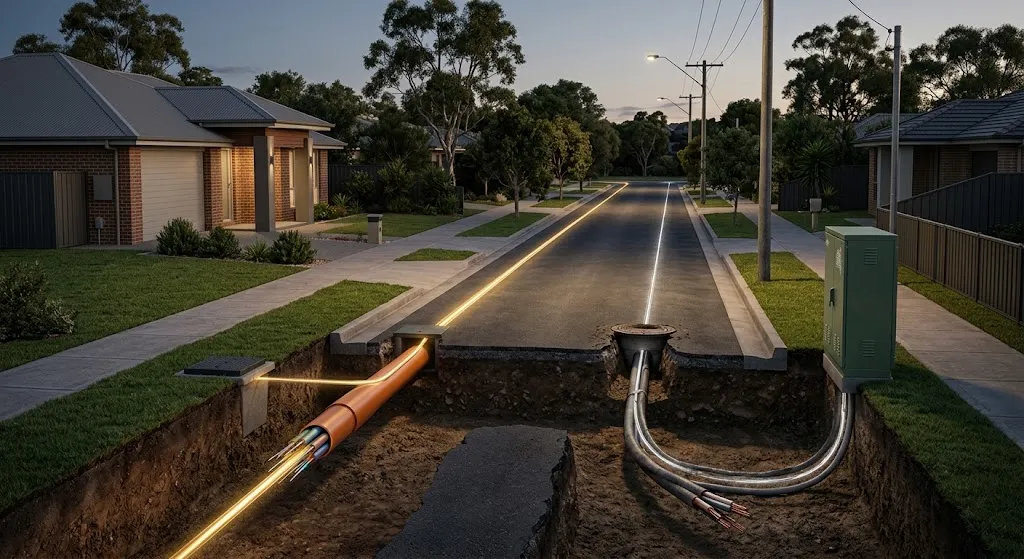
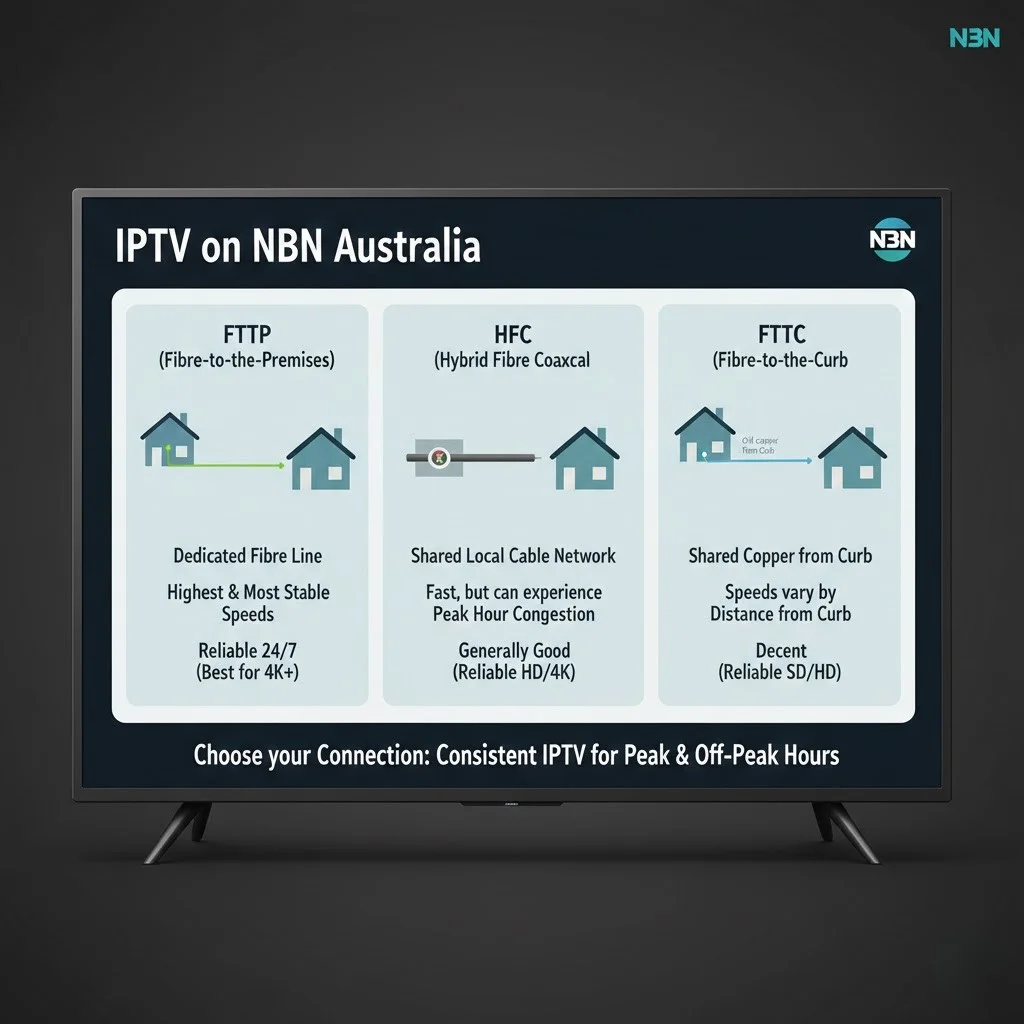
The National Broadband Network (NBN) is not one network. It is six different physical technologies sold under one brand, and the difference between them decides how a live stream behaves far more than the number on your bill.
Internet Protocol Television (IPTV) delivers live channels as a continuous stream of data packets that must arrive in order and on time. Unlike a file download, which can pause and resume invisibly, a live stream has no second chance at a late packet. This is why the qualities that matter for IPTV — steadiness, latency, packet delivery — are not the qualities a speed test measures.
What the ACCC data actually shows
The Measuring Broadband Australia program ran for eight years and closed with its 33rd report in June 2026, based on 1,156 monitored services. The technology-by-technology split is the part worth reading:
| NBN technology | Busy-hour download (% of plan) | Upload, all hours (% of plan) |
|---|---|---|
| FTTP (Fibre to the Premises) | 100.8% | ~101% |
| HFC (Hybrid Fibre-Coaxial) | 99.2% | ~99% |
| FTTN (Fibre to the Node) | 94.7% | 82.3% |
| Fixed-line average | 99.4% | 90.7% |
Source: ACCC Measuring Broadband Australia Report 33, June 2026, measuring March 2026 data.
Two things stand out. The first is that the download gap between technologies is now small — five percentage points separates the best from the worst. The second is that the upload gap is not small at all. FTTN delivers 82.3% of its advertised upload against FTTP’s 101%, a gap of nearly twenty points.
That upload figure is the one that matters for households running several streams, because every IPTV client sends a constant stream of acknowledgements back to the server. Starve the upstream and the downstream degrades with it — a failure mode that looks identical to a download problem on a speed test.
Fibre to the Node is the real constraint
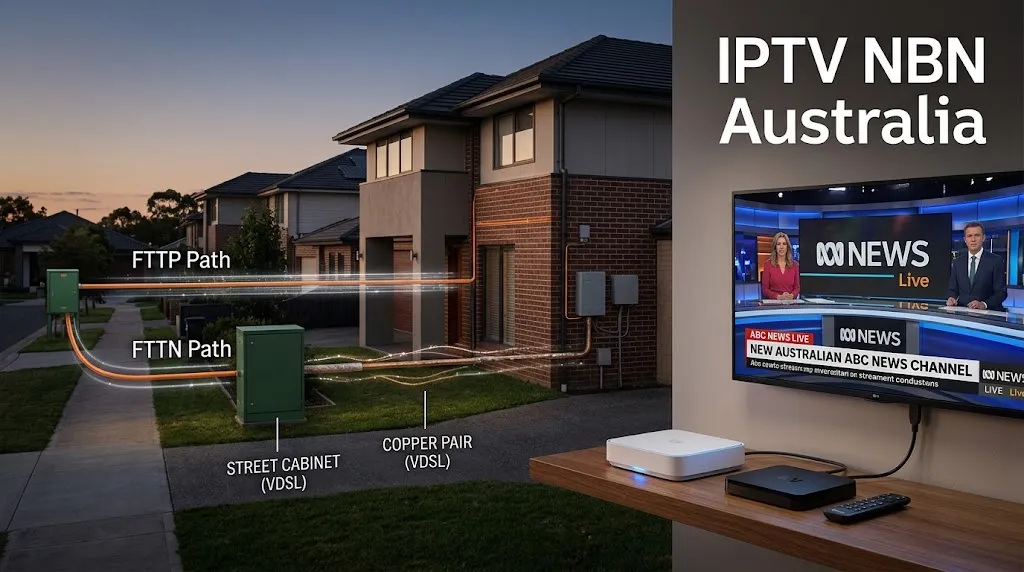
FTTN runs fibre to a street cabinet and then uses the existing copper phone line for the last stretch. That copper segment is why FTTN, Fibre to the Curb (FTTC) and Fibre to the Building (FTTB) are all capped at NBN 100 and cannot access the higher tiers at any price.
Copper also introduces variability that fibre does not have. Line length, joint quality, moisture and interference all affect the signal, and none of them are constant. A connection that syncs at 90 Mbps in dry weather can drop noticeably in sustained rain. Live streaming feels that variability; a file download absorbs it.
Key takeaway: On the NBN, your connection technology sets a performance ceiling that no speed tier upgrade can lift — FTTN, FTTC and FTTB are capped at NBN 100 regardless of what you pay.
How Much Speed Does IPTV Actually Need on the NBN?
A single high-definition IPTV stream needs roughly 8 to 12 Mbps of steady throughput, and a 4K stream needs 25 to 40 Mbps. Because those figures describe sustained delivery rather than peak capacity, allow headroom: an NBN 50 plan handles most two-to-three-stream households comfortably, while single-stream HD viewing works on NBN 25.
Provider bitrates vary, and a provider that compresses harder will run lower than these ranges while a premium 4K feed will run higher. Verify actual behaviour during a trial rather than assuming.
Bandwidth by stream type
| Stream type | Typical bitrate | Practical minimum plan |
|---|---|---|
| SD (576p) | 2–4 Mbps | NBN 25 |
| HD (1080p) | 8–12 Mbps | NBN 25 |
| 4K (2160p) | 25–40 Mbps | NBN 50 |
| Two HD streams | 16–24 Mbps | NBN 50 |
| Two 4K streams | 50–80 Mbps | NBN 100 |
These are per-stream figures. Add whatever else the household is doing — a video call runs 3 to 5 Mbps, and a game download will take everything it is given.
The eight tiers available in 2026
The tier structure changed substantially in the September 2025 upgrade, and articles written before that date are describing a network that no longer exists. Australia now has eight standard tiers: NBN 25, 50, 100, 250, 500, 750, 1000 and 2000. The upgrade lifted eligible NBN 100 lines to 500/50, which means the plan labelled “100” on a capable FTTP or HFC line may now deliver five times that.
Fixed Wireless also improved and now reaches 250 and 400 Mbps in serviced areas — a change that matters for regional viewers who were previously told IPTV was not viable on their connection.
For IPTV specifically, the higher tiers are almost entirely irrelevant. Four simultaneous 4K streams sit under 160 Mbps. Anything above NBN 250 buys capacity that live television cannot consume. If you are choosing a plan for streaming alone, the money is better spent on a provider with better peak-hour behaviour than on a tier you cannot fill.
Key takeaway: IPTV needs steady delivery, not peak capacity — beyond NBN 100 on a capable line, extra speed does nothing for live television.
Why Does IPTV Buffer When My Speed Test Passes?
Buffering on a fast connection is almost always a latency, jitter or in-home network problem rather than a bandwidth problem. A speed test measures how much data arrives over ten seconds; a live stream depends on whether each packet arrives on schedule. A line can score 95 Mbps and still deliver packets unevenly enough to empty the player’s buffer.
This is the pattern I see most in support. The customers who come to me with buffering complaints are usually not on slow connections — they have already checked, and their speed test looks fine. That is exactly why the speed test is the wrong instrument: it confirms the one thing that was never the problem.
The three measurements that matter more than speed
Latency is the round-trip time for a packet, measured in milliseconds. It determines how quickly your player can react when conditions change — request a lower bitrate, re-request a lost packet, switch to a backup source. High latency means every correction arrives late.
Jitter is the variation in that latency. A connection averaging 20 ms with swings between 5 ms and 200 ms will stutter, while a steady 40 ms line will not. Jitter is what empties a buffer: packets arrive in bursts and gaps rather than a steady flow, and the player runs dry between bursts.
Packet loss is the percentage of packets that never arrive. Even 1% sustained loss is enough to produce visible artefacts on a live stream, because there is no time to request a replacement before the frame is due on screen.
None of the three appear on a standard speed test result. All three are affected by in-home wiring, Wi-Fi conditions and the route between you and the provider’s server.
Where to look first
Work outward from the device. Wi-Fi is the single most common cause, and the fix is usually a cable — our guide to choosing between Wi-Fi and Ethernet covers adapters for devices without a port. If the problem only appears between 7 PM and 10 PM, the pattern points at peak-hour behaviour on the provider side rather than your line. If it appears on one channel but not others, the issue is upstream of both you and your provider.
For a structured walkthrough of every cause in order, work through our buffering diagnosis guide.
Key takeaway: A passing speed test rules out bandwidth and nothing else — latency, jitter and packet loss are invisible to it and are what actually break live streams.
Which NBN Speed Tier Should You Choose for IPTV?
Choose NBN 50 if your household runs two or three simultaneous streams, and NBN 25 only for single-stream HD viewing on a fibre connection. On FTTN, choose the highest tier your line can actually sync at rather than the highest you can buy, because copper lines frequently cannot reach their advertised speed.
By household
One or two viewers, HD only. NBN 25 on FTTP or HFC is sufficient and leaves room for normal browsing. On FTTN, step up to NBN 50 to create headroom for the line’s variability.
Family household, three or four devices. NBN 50 is the practical floor. This is also the point where multi-connection policy starts to matter more than your internet plan — many IPTV services limit simultaneous streams regardless of how much bandwidth you have.
4K viewing. NBN 50 handles one 4K stream with room to spare. Two concurrent 4K streams need NBN 100. Before paying for either, check whether the content you actually watch is available in genuine 4K — much of what is labelled 4K is upscaled.
Regional and Fixed Wireless. The 250 and 400 Mbps Fixed Wireless tiers now make IPTV viable in areas where it previously was not. Latency on Fixed Wireless is higher than fibre but stable enough for live streaming.
The upgrade that usually is not worth it
Moving from NBN 50 to NBN 100 to fix buffering is the most common wasted upgrade I encounter. If the connection was already delivering more than the stream needs, doubling the ceiling changes nothing — the buffer was not emptying because of capacity. Confirm the bottleneck before paying for more of something you were not short of.
Does Your NBN Provider Matter More Than Your Plan?
Provider choice affects IPTV mainly through Connectivity Virtual Circuit capacity and network routing rather than headline speed. CVC is the bandwidth an internet provider buys from NBN Co to carry its customers’ traffic. A provider that under-buys creates congestion during peak hours regardless of what tier its customers are on.
How CVC congestion works
NBN Co sells retail providers two things: a connection for each customer, and a shared pool of capacity called CVC to carry the aggregate traffic. Retailers choose how much of that pool to buy relative to their subscriber count. Buy generously and evening performance holds; buy thinly and margins improve while every customer on the network slows between 7 PM and 11 PM.
This is the mechanism behind the well-known advice to prefer certain providers for streaming. The advice is sound, but it is usually given without the explanation, which leaves people unable to evaluate it when circumstances change.
The ACCC data suggests the industry has largely corrected this. Fixed-line services now average 99.4% of plan speed at busy hour, up from the 80 to 85% range recorded in early 2018. CVC under-provisioning is no longer the widespread problem it was — though the report still classified 5.6% of monitored services as underperforming.
Routing matters more than it used to
With capacity broadly solved, the remaining provider-side variable is the path your traffic takes. Two providers can both deliver full plan speed and still differ in how many hops sit between you and an IPTV server, and where those hops are located.
This is where the provider’s own infrastructure enters the picture — server location often explains more variation than anything on your side of the connection. Our analysis of server location and latency covers the measurable impact, and the infrastructure guide explains what to look for before subscribing.
If performance degrades only for IPTV while other traffic is unaffected, the cause may be traffic shaping rather than congestion. Our guide to ISP interference with IPTV traffic covers how to distinguish the two.
Key takeaway: CVC under-provisioning has largely been fixed industry-wide — provider choice now matters through routing and network path rather than raw capacity.
Can You Run IPTV Without the NBN?
Yes. 5G home internet and Starlink both support IPTV, and the final ACCC report measured Starlink at 26.2 ms latency across all hours and 26.8 ms at busy hour — comparable to fixed-line performance and well inside what live streaming needs.
The non-NBN options
5G home internet delivers speeds competitive with NBN 100 in areas with strong coverage. Performance varies with cell tower load in a way fixed-line connections do not, so evening behaviour is less predictable. Test during your actual viewing hours before committing.
Starlink has become genuinely viable for IPTV. At 26.2 ms, its latency now sits close to fixed-line territory, and the earlier objection that satellite could not handle live streaming no longer holds for this service.
Sky Muster, NBN Co’s own satellite service, is a different matter. The same report measured it at 658.3 ms across all hours. That is roughly twenty-five times Starlink’s latency, and it is too high for reliable live streaming — channel changes will be slow and any correction the player attempts will arrive far too late to help.
Mobile broadband works for occasional viewing but data consumption makes it impractical as a primary source. An hour of HD streaming consumes roughly 3 to 5 GB.
Where to Go From Here
This page is the starting point for the network side of IPTV. The guides below cover each part in depth.
Diagnosing a problem Start with the complete troubleshooting guide, then narrow down: buffering and freezing, peak-hour degradation, or multicast and unicast delivery faults.
Improving your setup Configure your hardware with the router, DNS and QoS guide, settle the wired versus wireless question, and check your line against our speed requirements breakdown.
Choosing a service Compare options in the best IPTV for NBN connections guide, and understand what sits behind the stream in our infrastructure and server location analyses.
Before you subscribe Read where IPTV sits under Australian law and the full legal framework.
Bottom Line
If you are on FTTP or HFC and streaming HD: your connection is not the problem. NBN 25 or 50 is sufficient, and any buffering you experience is coming from Wi-Fi, your device, or the provider’s servers. Cable the device first and diagnose from there.
If you are on FTTN and streaming stutters: the copper segment is the likeliest constraint, particularly for multi-stream households where the 82.3% upload figure bites. A tier upgrade will not help if your line cannot sync at its current tier. Check your actual sync speed with your provider before spending anything.
If you are regional: Fixed Wireless at 250 or 400 Mbps and Starlink at 26 ms latency both now support IPTV properly. Sky Muster does not, and no configuration change will make 658 ms latency workable for live television.
This article is for educational and comparison purposes only. Verify the licensing status of any streaming service and ensure compliance with Australian copyright law before subscribing.