
By Daniel Carter, IPTV Systems Analyst & Service Comparison Specialist · IPTV Providers in Australia · Last updated: September 2026
Quick Answer
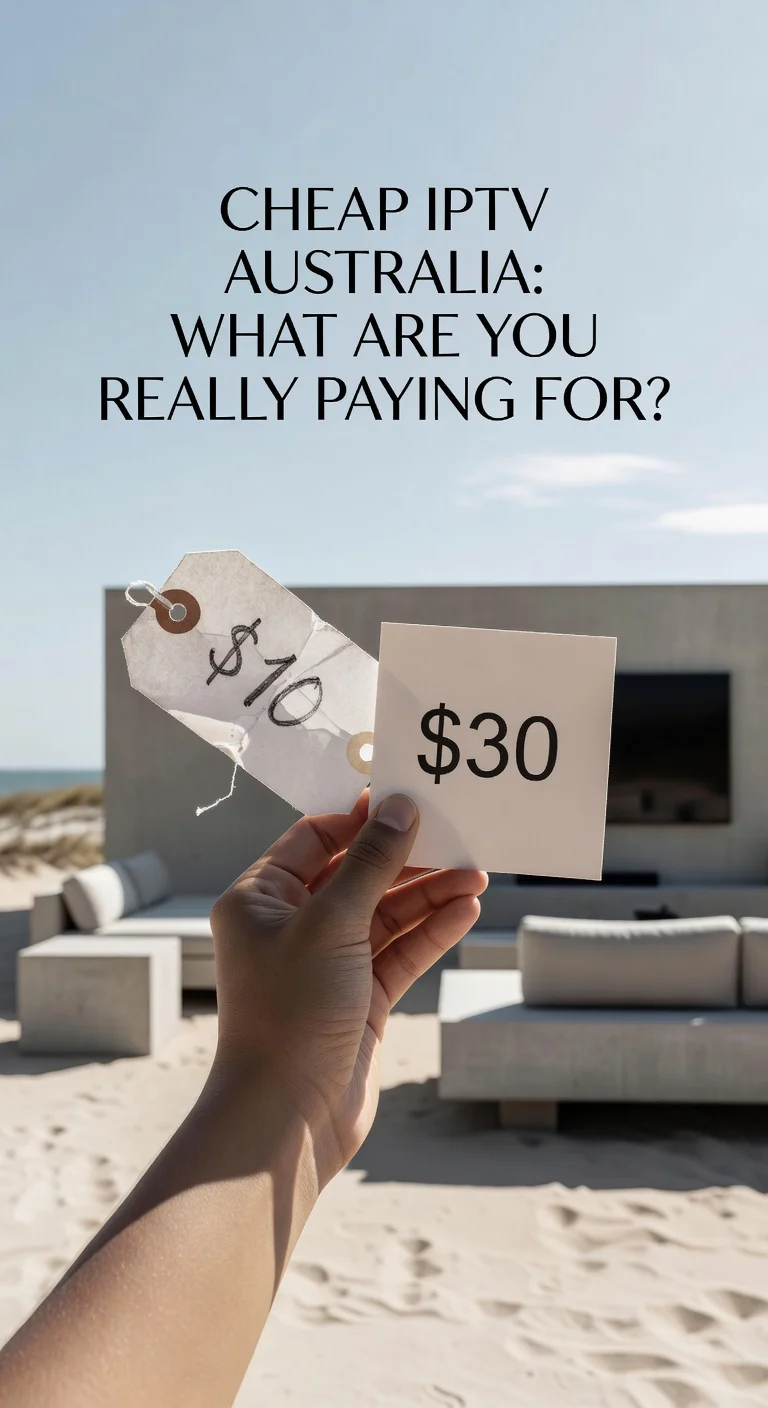
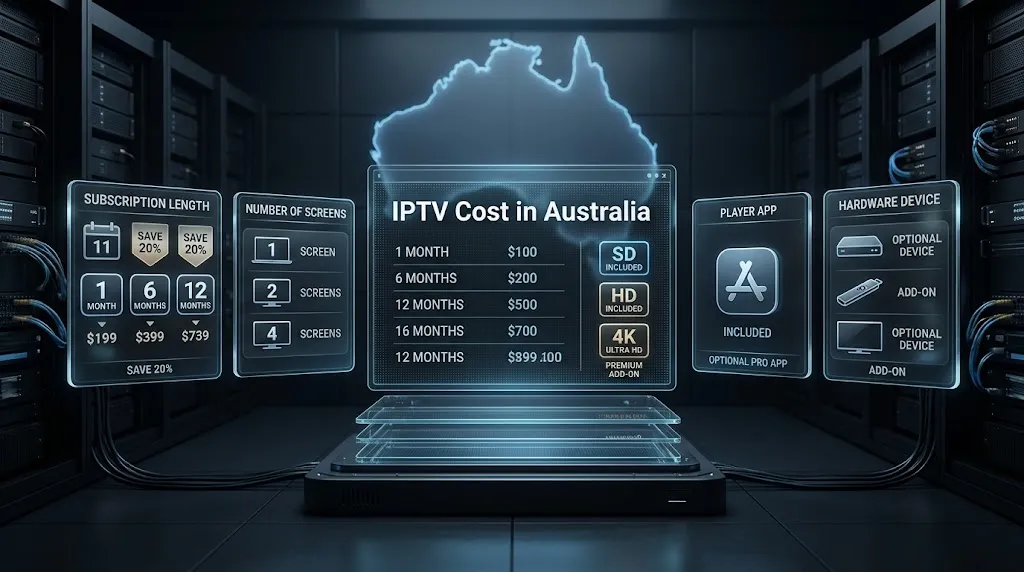
IPTV cost in Australia has no single answer, and any guide offering one is quoting a snapshot that will be wrong within months. What a service charges depends on how long you commit, how many screens you use, and whether the app and device are included. The useful question is not what it costs, but what the price is buying.
IPTV cost in Australia is the question I get asked second, never first. People ask about channels first, and that order turns out to be the right one — a cheap service without the channels you want has not saved you anything. This article covers what actually sets the price, the costs people forget to add, and how to read a price when you see one. For the wider picture, the IPTV Australia guide covers how the whole thing fits together.
Why IPTV Cost in Australia Has No Single Answer
Search for a figure and you will find ten different ones, and none of them is exactly wrong. They are measuring different things.
Some services quote a monthly rate. Others quote a total for three, six, twelve or twenty-four months, which makes the headline number look larger while the monthly equivalent is smaller. Some include one screen, some include several. Some assume you already have a device and an app; others bundle hardware into the price, which is why a “subscription” can appear to cost more than a television.
What Sits Inside a Quoted Price
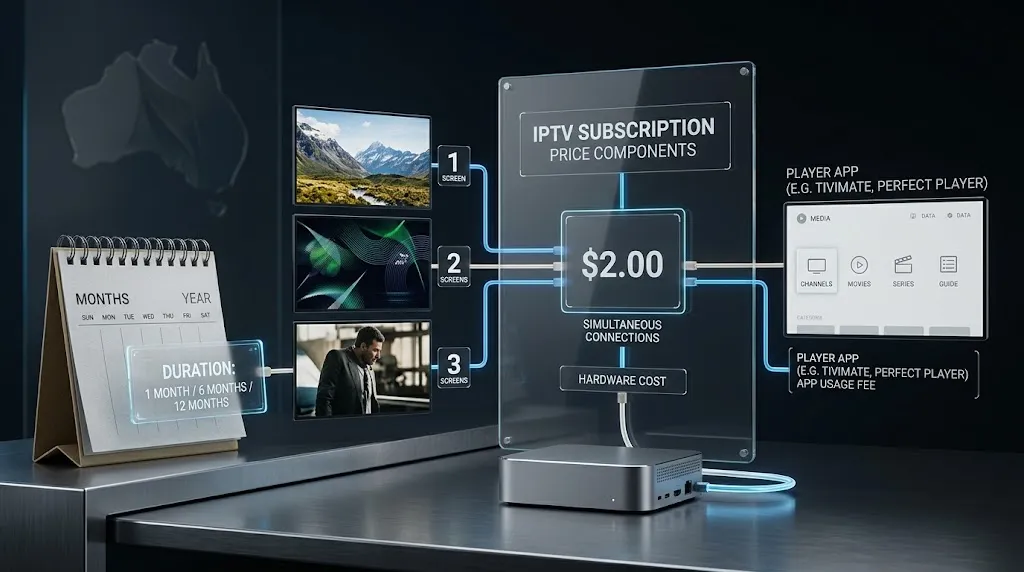
| Variable | What it changes |
|---|---|
| Commitment length | A longer term almost always lowers the monthly equivalent |
| Simultaneous connections | One screen or several, often priced separately |
| Hardware | Whether a box or stick is included in the figure |
| Player app | Whether a paid app is assumed, and who pays for it |
Until you know which of these a price includes, comparing two numbers tells you nothing. This is not unique to IPTV, but it is more pronounced here because there is no standard package and no regulator requiring consistent presentation.
People Ask About Channels Before They Ask About Price
The first question is almost never about money. It is whether a particular channel, competition or match is available. That instinct is correct, and it is worth keeping when you get to the price.
A service you cannot watch what you want on is not cheap. It is money spent on nothing, whatever the figure was. So the sequence that works is: establish what you need to watch, confirm a service actually carries it, and only then look at what it costs. Reversing that order is how people end up cancelling in the first month.
It also changes what “expensive” means. If one service costs more and carries the competition you follow while a cheaper one does not, the more expensive one is the better value by a wide margin. Price only becomes comparable between services that both do the job. The evaluation guide covers confirming that before you commit.
Key takeaway: compare prices only between services that both carry what you actually want to watch.
What Actually Makes One Service Cost More
Three things separate services in my experience, and each of them costs the operator real money.
The Range of Content
A wider, better-maintained channel list is more expensive to assemble and keep working than a large list nobody maintains. This is why channel count on its own means so little — ten thousand entries, most of them dead, costs less to advertise than two thousand that reliably play.
Picture Quality
Higher quality streams consume more bandwidth per viewer, and bandwidth is the ongoing cost in this business. A service delivering genuinely good picture quality to everyone watching is paying for it continuously.
The Absence of Problems

This is the one people underestimate. Streams that hold up when a lot of people are watching, a guide that stays accurate, channels that do not quietly disappear — none of that happens on its own. It requires server capacity that sits idle most of the time and someone maintaining things nobody notices when they work.
Capacity and maintenance are precisely what gets cut when a service competes on price alone. The servers guide covers what that infrastructure involves.
Why the Cheapest Option Rarely Stays Cheap
The customers who came back asking about refunds were, more often than not, the ones who had started with the cheapest thing they could find. That is my own observation from dealing with people rather than a survey, but it has been consistent enough that I now say it out loud when someone asks me to point them at the lowest price.
What Happens When You Want Your Money Back
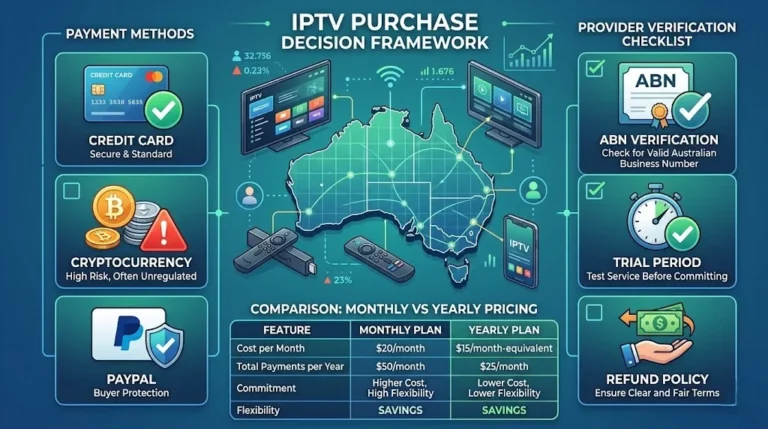
Getting money back depends on two things decided before any problem appeared: whether the payment method allows a charge to be disputed, and how much was committed upfront. Someone who paid for a month through a reversible method has a small problem. Someone who prepaid a long term through a method with no recourse may have no practical option at all.
Australian Consumer Law provides guarantees that apply regardless of what a service writes in its own terms, and the ACCC sets out what those guarantees cover. Enforcing them against an overseas operator with no Australian presence is a different matter from having them on paper, which is part of the broader risk picture around unlicensed services. The refund policy guide covers where you stand, and the payment methods guide covers which methods leave you a route back.
The Costs People Do Not Count
The subscription is rarely the only thing you pay.
The Player App
This is the one that catches people out most often. Free players work, but the paid versions of the popular ones handle favourites, channel ordering and the guide better, and the difference shows up every evening rather than once. Plenty of people end up buying one, and it was never in the figure they compared. It is a small amount, but it belongs in the calculation. The devices and apps guide covers which players are free and which are not.
A Device, Sometimes
If your television is a Samsung, an LG or an Apple TV and nothing in its own store suits you, a small streaming device becomes part of the cost of getting started. Anyone already using an Android TV box, a Google TV device or a Fire TV stick skips this entirely.
Extra Connections
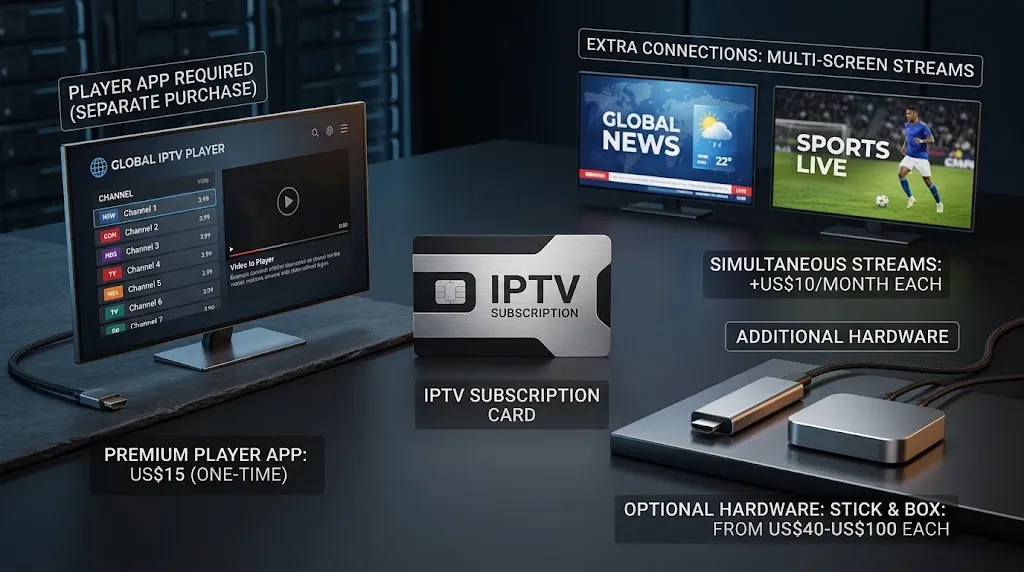
Households with more than one screen in use at once usually need a plan allowing it, which is priced separately almost everywhere. Finding this out after subscribing is a common and avoidable annoyance, and the multi-connection guide covers how the limits work.
Why Longer IPTV Plans Can Cost Less per Month but Carry More Risk
Longer commitments lower the monthly equivalent. That is the entire appeal, and it is real arithmetic rather than a trick.
The trade-off is what happens if something goes wrong early. A long prepaid term converts a monthly decision into a single upfront bet on a service you have not lived with yet. If it stops working in month two — because the operator folds, because the service degrades, or because access is blocked — you have paid for months you will never use, and the recourse question above applies to all of it at once.
There is also a subtler cost. A long prepayment removes your ability to leave, which is the only real pressure a subscriber has. The monthly versus yearly comparison sets out both sides.
The approach I suggest is simple: whatever term you eventually want, do not start with it. A short first commitment costs more per month and buys you the information you need to make the longer one sensibly.
What About the Licensed Services?
Worth noting for comparison. Kayo Sports is Foxtel’s dedicated sports streaming platform, Foxtel is the traditional licensed pay TV service, and Australia’s free-to-air broadcasters stream their own channels at no cost through ABC iview, SBS On Demand, 7plus, 9Now and 10 play.
The relevant difference here is not the amount. It is that their pricing is published, stable, tied to a named Australian company, and covered by the consumer protections that apply to any Australian business. You can check the figure yourself and it will still be accurate next month. The licensed alternatives guide covers what each carries, and the IPTV and Kayo comparison covers where they genuinely differ.
The Bottom Line
Work through it in this order and the price question mostly answers itself.
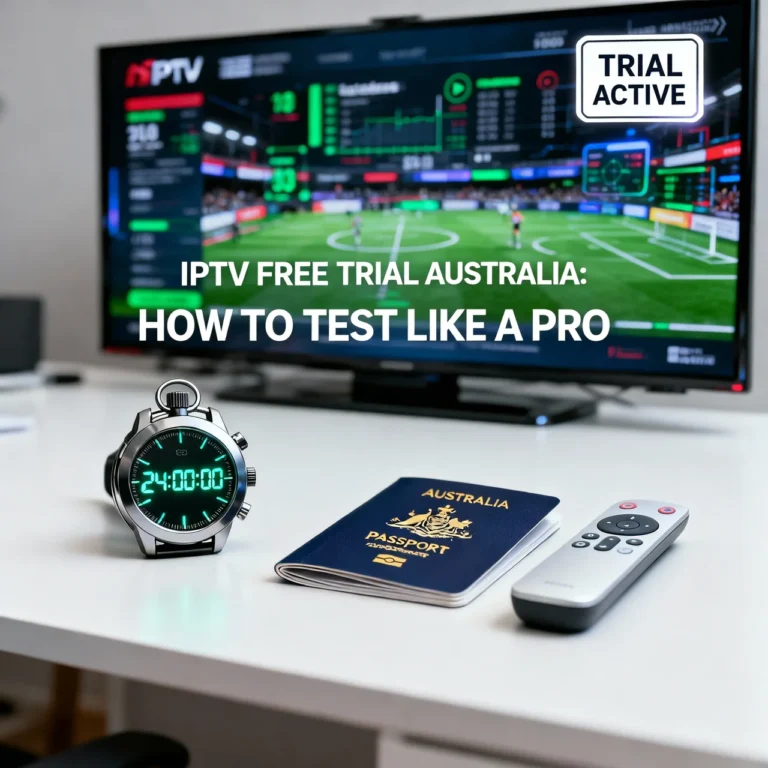
Start with what you want to watch and confirm a service carries it, because nothing else matters if it does not. Test it during a trial, on your own connection, at the time of day you actually watch — the free trial guide covers what to check. Add the costs that are not in the headline: the app, a device if you need one, extra connections if more than one screen is in use.
Then, and only then, compare prices — and only between services that passed the first two steps. Keep the first commitment short and pay through something you could dispute. The extra you spend on a shorter term is the cheapest insurance available in this market.