
Quick Answer
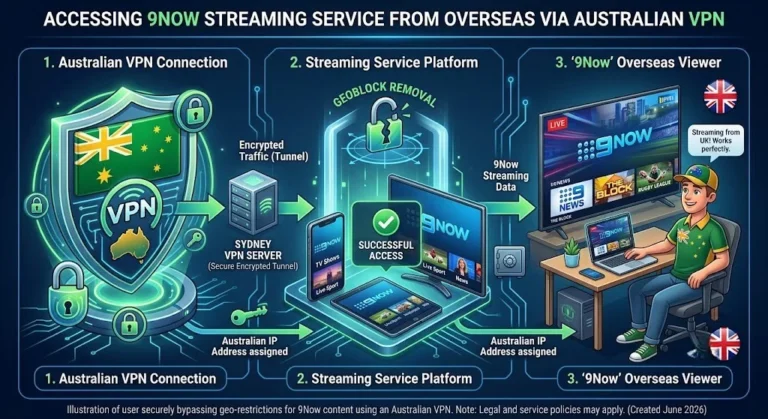
No Australian streaming service works overseas without a VPN connected to an Australian server. That much is consistent across every Australian streaming app. What isn’t consistent is how reliably each one works once you have a VPN running — on-demand services like Stan and Binge generally cooperate, while live-sport-heavy services like Foxtel Go and Kayo actively fight VPN access far harder. This guide breaks down each major service individually.
At a Glance
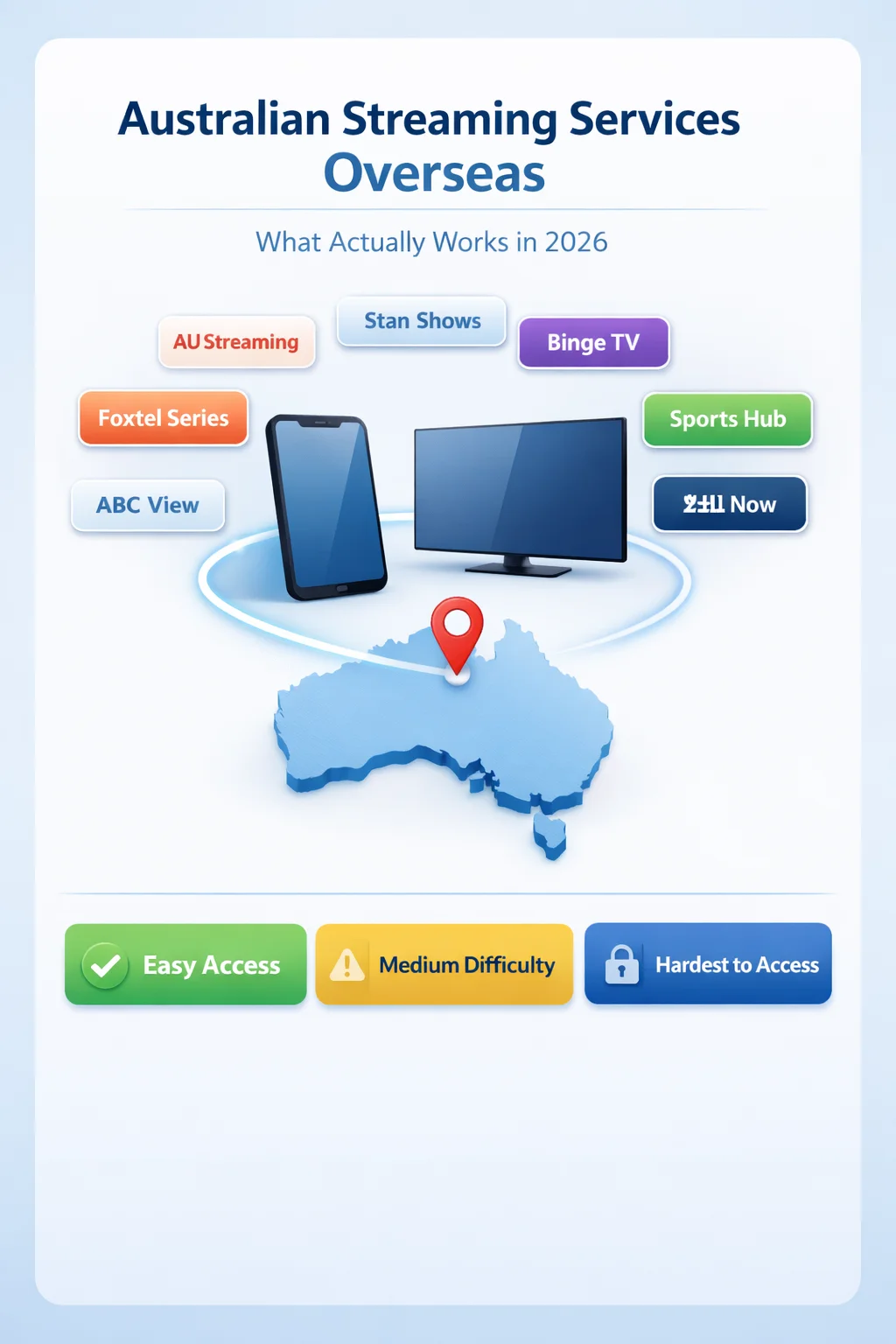
✔ VPN Required: Yes, for every service listed here
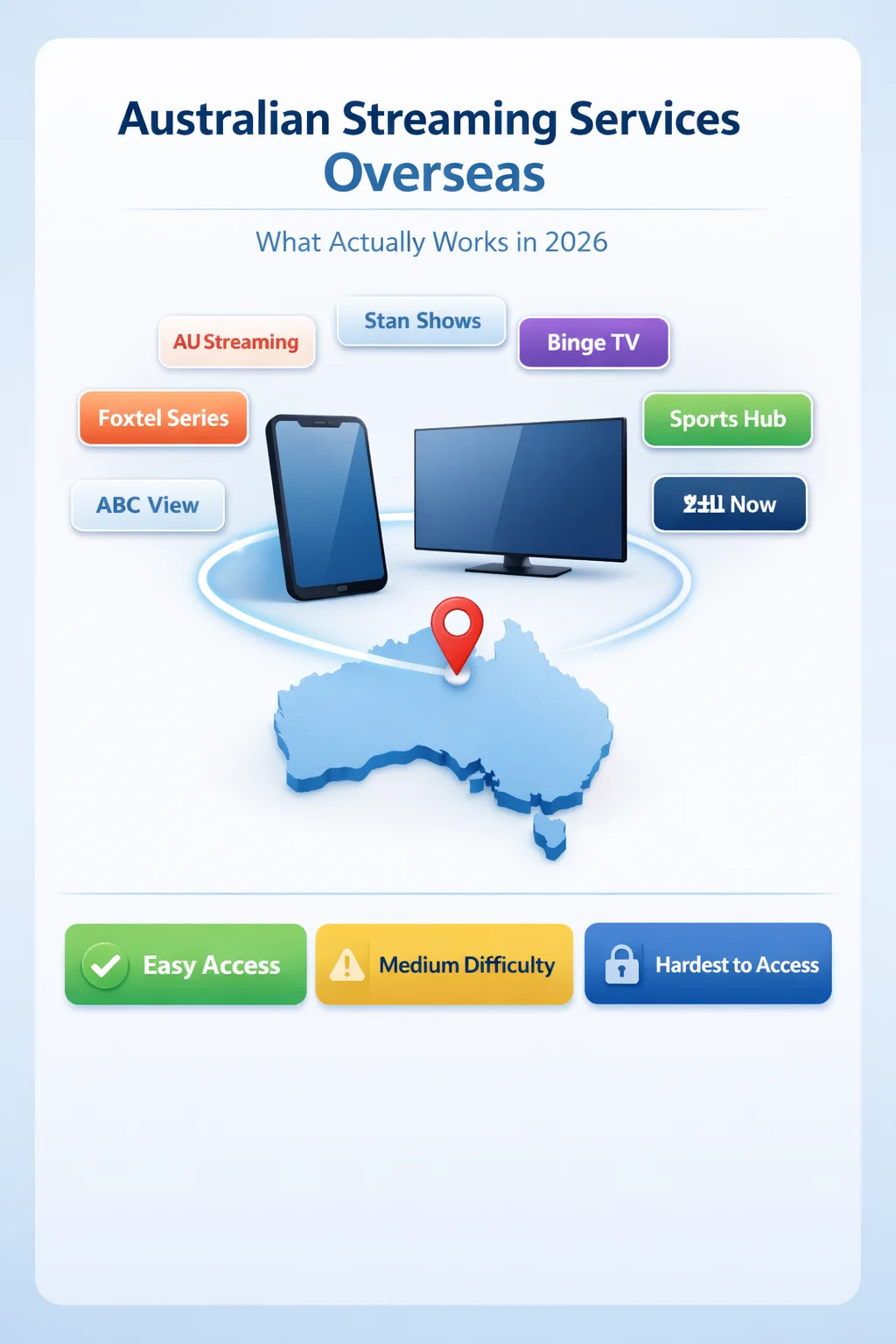
✔ Easiest to Access Overseas: Stan, Binge, free catch-up apps (ABC iView, 9Now, SBS On Demand)
✔ Hardest to Access Overseas: Foxtel Go, Foxtel Now, Kayo Sports
✔ Subscription Still Required: Yes — a VPN gets you past geo-blocking, not past paywalls
✔ Legal Risk: Contractual (Terms of Service breach), not criminal
Service-by-Service Comparison
| Service | Works Overseas | VPN Needed | Subscription | Difficulty |
|---|---|---|---|---|
| Netflix AU | ✅ | Yes | Yes | Medium |
| Stan | ✅ | Yes | Yes | Easy |
| Binge | ✅ | Yes | Yes | Easy |
| Kayo Sports | ⚠️ | Yes | Yes | Hard |
| Foxtel Go | ⚠️ | Yes | Yes | Hard |
| 9Now | ✅ | Yes | Free | Easy |
| ABC iView | ✅ | Yes | Free | Medium |
| SBS On Demand | ✅ | Yes | Free | Easy |
Key Takeaways
- Every major Australian streaming app geo-blocks based on IP address, with no exceptions for Australian citizenship
- Live sport (Foxtel Go, Kayo) is blocked far more aggressively than on-demand content (Stan, Binge), because broadcast rights are licensed by territory in real time
- A VPN doesn’t bypass a paywall — you still need an active subscription to whatever service you’re trying to access
- Free catch-up apps generally cooperate better with VPNs than premium sports services do, since there’s less commercial pressure to block them perfectly
- This issue is a terms-of-service question, not a legal one — the full legal breakdown linked further down this article covers the complete picture.
In This Guide
- Why Every Australian Streaming Service Blocks Overseas Access
- Netflix Australia Overseas
- Stan and Binge Overseas
- Foxtel Go, Foxtel Now, and Kayo Sports Overseas
- The Free Catch-Up Apps Overseas
- Which Devices Work Best?
- Does This Work From the UK, US, Canada, and Elsewhere?
- Is This Legal?
- Common Problems and How to Fix Them
- People Also Ask
- FAQ
Why Every Australian Streaming Service Blocks Overseas Access
Every Australian streaming app on this list licenses its content specifically for distribution within Australia. The moment your IP address leaves the country, geo-detection kicks in and blocks access — this action isn’t a glitch or an oversight; it’s the platform fulfilling its own licensing obligations. We cover the underlying mechanism in detail in our main guide to watching Australian TV overseas.
What differs from service to service is how aggressively each one enforces that block once a VPN is involved — and that’s mostly down to what kind of content each one is protecting.
Netflix Australia Overseas
Netflix doesn’t have a separate “Australian Netflix” app — it’s the same app worldwide, but the library changes based on your detected location. A Netflix Australia VPN connection will generally show you the Australian catalogue, though Netflix has invested heavily in VPN detection specifically because so many subscribers do stream globally, not just from Australia. Reliability has dropped noticeably compared to a few years ago, and it varies by VPN server.
Your existing Netflix subscription (whichever country it’s billed in) carries over; a VPN changes what you see, not what you pay for.
Stan and Binge Overseas
Stan Overseas and Binge Overseas are both on-demand-first experiences — they’re streaming pre-recorded content rather than live broadcasts, which makes them meaningfully easier to access than sports-heavy platforms. A reputable Australian streaming VPN generally works for both without much fuss.
Binge in particular doesn’t run the kind of aggressive, real-time VPN detection that live sports platforms do — it mainly blocks known VPN server IPs in bulk, so switching servers within the same VPN app usually resolves any issue.
Foxtel Go, Foxtel Now, and Kayo Sports Overseas
This is where things get genuinely difficult, and it’s worth understanding why. Foxtel Go overseas and Kayo overseas access are governed by the fact that both platforms’ biggest draw is live sport – AFL, NRL, and cricket – and that live sport broadcast rights are licensed territorially in real time. Foxtel can’t legally serve the same live AFL game to Australia and to an overseas IP simultaneously, so it invests far more heavily in VPN detection than on-demand platforms do.
VPN Detection and Reliability by Service
| Service | VPN Detection | Works Reliably |
|---|---|---|
| Stan | Low | ⭐⭐⭐⭐⭐ |
| SBS On Demand | Low–Medium | ⭐⭐⭐⭐ |
| Binge | Low | ⭐⭐⭐⭐ |
| Netflix AU | Medium | ⭐⭐⭐ |
| ABC iView | Medium | ⭐⭐⭐ |
| Kayo Sports | High | ⭐⭐ |
| Foxtel Go | Very High | ⭐ |
Practically, this means:
- A VPN may work one day and get blocked the next on Foxtel and Kayo — this is a constantly shifting battle, not a one-time fix
- Live sport specifically is blocked harder than Foxtel’s on-demand drama and movie catalogue
- Switching servers within your VPN is the main workaround, with no guarantee of consistent success
If you’re specifically chasing live Australian sport overseas and finding Foxtel/Kayo unreliable, it’s worth comparing against a licensed IPTV alternative rather than fighting an increasingly difficult VPN battle.
The Free Catch-Up Apps Overseas
ABC iView, 9Now, SBS On Demand, 7plus, and 10 Play are all free, ad-supported Australian streaming apps, and they generally cooperate better with VPN access than the premium platforms above — there’s simply less commercial incentive to invest heavily in blocking unpaid users. That said, they’re not identical to each other:
- 9Now specifically holds free live rights to the NRL and all four tennis Grand Slams, making it one of the most valuable free apps for sports overseas — see our dedicated 9Now guide for the full setup process.
- SBS On Demand notably restricts access even for Australian citizens travelling abroad and currently carries free live coverage of the 2026 FIFA World Cup – our SBS overseas guide covers the topic in detail.
- ABC iView tends to geo-lock somewhat harder than the commercial-free apps, though it still works reliably with most reputable VPNs.
Which Devices Work Best?
Most Australian streaming apps behave consistently across devices, provided the VPN runs at the right level:
- Windows / Mac: The most straightforward is to install the VPN app directly, connect, and stream through the browser or native app.
- Android / iPhone: VPN apps install directly on the device itself, just like on desktop.
- Android TV / Apple TV: Trickier, since not all VPN apps are available directly on these platforms. A router-level VPN, or casting/AirPlaying from a phone already connected, is the most reliable workaround.
- Fire Stick: VPN apps are available directly through the Fire TV app store for most major providers, making this one of the easier streaming devices to set up.
- Smart TVs: Similar to Android TV/Apple TV, most smart TV operating systems don’t support installing a VPN app natively, so a router-level VPN is usually the cleanest fix.
Does This Work in the UK, US, Canada, and Elsewhere?
Yes — the process is identical regardless of which country you’re watching from. Whether you’re in the United Kingdom, the United States, Canada, New Zealand, somewhere in Europe, or the Middle East, the only thing that matters is connecting to an Australian VPN server before opening the app. None of the services covered here apply different rules based on your specific overseas location; they only care that your IP address isn’t an Australian one.
Is This Legal?
Using a VPN to access any of these services from overseas isn’t illegal under Australian law or the law of any major country — but it does breach each platform’s terms of service, which is a contractual matter rather than a criminal one. We cover this distinction fully, including what a platform can and can’t actually do about it, in our complete legal breakdown of bypassing geo-blocking.
Common Problems and How to Fix Them
A service worked last week; now it’s blocked:
This behaviour is expected, especially with Foxtel and Kayo. Streaming platforms constantly update their VPN detection. Switch to a different Australian server within your VPN app.
Netflix shows the wrong country’s library even when the VPN is connected:
Clear your browser cache and cookies, or fully close and reopen the Netflix app — cached location data can override what your VPN is reporting.
Live sport buffers heavily even when the stream loads:
This is usually bandwidth contention rather than a VPN fault — live sport draws far more simultaneous overseas VPN traffic than on-demand content does. A wired connection generally helps.
A free VPN works for the catch-up apps but not for Foxtel/Kayo:
Expected. Free VPNs have far fewer servers and get blocked first by the platforms investing most heavily in detection. For live sport specifically, a paid, reputable VPN matters more than anywhere else on this list.
People Also Ask
Can I watch Australian streaming services overseas?
Yes, but most Australian streaming services are geo-blocked outside Australia. Often, users connect through a VPN with an Australian server to access their accounts, although availability and reliability vary by service.
Does Netflix Australia work with a VPN?
Occasionally. Netflix actively detects VPN traffic, so success depends on the VPN provider and the specific Australian server you’re using. Access may stop working if the server detects it.
Which Australian streaming service is easiest to access abroad?
Among paid services, Stan is often one of the more reliable options when used with a quality VPN. Free catch-up services such as ABC iView and SBS On Demand can also work, although VPN detection varies over time.
Is Kayo harder to unblock than Stan?
Generally yes. Because Kayo focuses heavily on live sports, it tends to use stricter geo-blocking and VPN detection than Stan, making overseas access less consistent.
Frequently Asked Questions
What Australian streaming services work overseas?
None of them work overseas without a VPN—Stan, Binge, Foxtel, Kayo, Netflix Australia, and the free catch-up apps all geo-block based on IP address. With a VPN connected to an Australian server, most work to varying degrees of reliability.
Does ABC iView work overseas?
Not without a VPN. With one connected to an Australian server, it generally works, though it geo-locks somewhat harder than the other free catch-up apps.
Will my Australian Netflix work overseas?
There’s no separate “Australian Netflix”—it’s the same global app, but the library you see changes based on your detected location. A VPN connected to Australia generally restores the Australian catalogue, though reliability varies.
Can I use my Netflix account while travelling?
Yes — your subscription itself isn’t tied to a single country. What changes is the content library shown, based on where Netflix detects you to be.
Will Netflix ban me for using a VPN?
No record of individual subscribers being banned for occasional VPN use. The realistic outcome is a blocked stream or being shown the wrong region’s library, not account suspension.
How do I get Kayo Sports to work overseas?
Connect to an Australian VPN server before opening the app, and expect inconsistent results — Kayo enforces VPN detection more aggressively than almost any other Australian streaming app because of its live sport licensing.
Conclusion
No Australian streaming app works overseas without a VPN with genuine Australian servers. Where it gets nuanced is reliability: Stan, Binge, and the free catch-up apps are a relatively easy win, while Foxtel Go and Kayo Sports remain a genuine, ongoing battle because of how live sport rights are licensed. Know which category your favourite service falls into, and set your expectations — and your VPN choice — accordingly.
Written by Daniel Carter
IPTV Systems Analyst & Service Comparison Specialist — Melbourne, Australia
5+ years analysing Australian IPTV services and international streaming solutions
🔗 Explore More — Australian IPTV Overseas
Browse the full Australian IPTV Overseas hub for every guide in this category, or jump straight to the following:
- Watch Australian TV Overseas: The Complete Guide for Expats and Travellers (linked above)
- Is It Legal to Bypass Geo-Blocking in Australia? (linked above)
- How to Watch Channel 9 (9Now) Overseas (linked above)
- Stream SBS On Demand Outside Australia (linked above)
- How to Set Up IPTV on Kodi in Australia