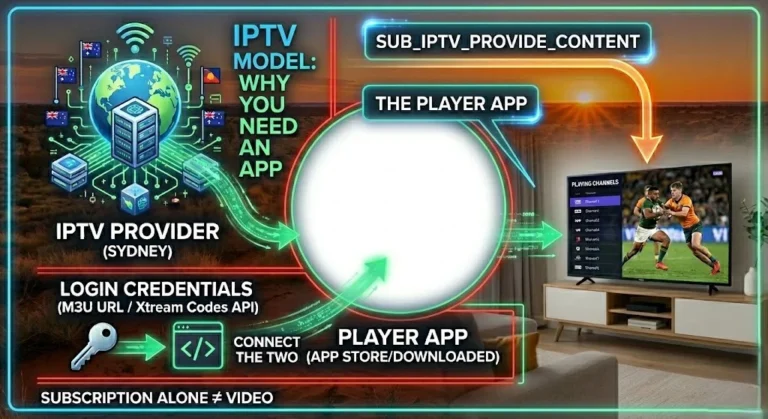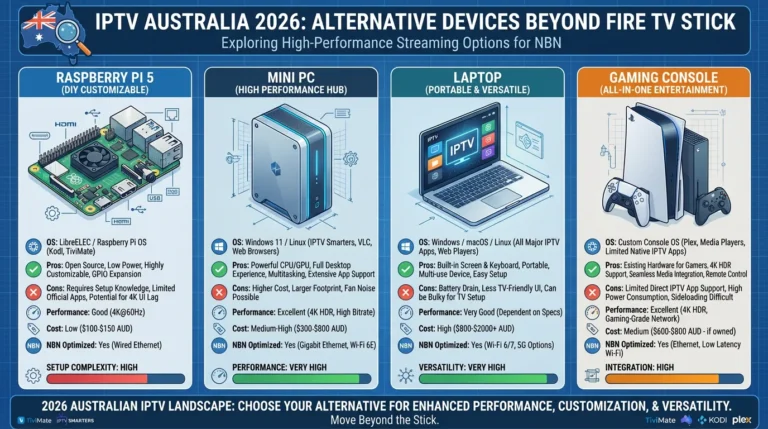
True 4K IPTV in Australia in 2026 is genuinely available — but whether you can actually watch it depends on three things working together: a device that hardware-decodes H.265 (HEVC), an NBN connection with enough headroom at peak hours, and an IPTV provider that truly streams 4K content.
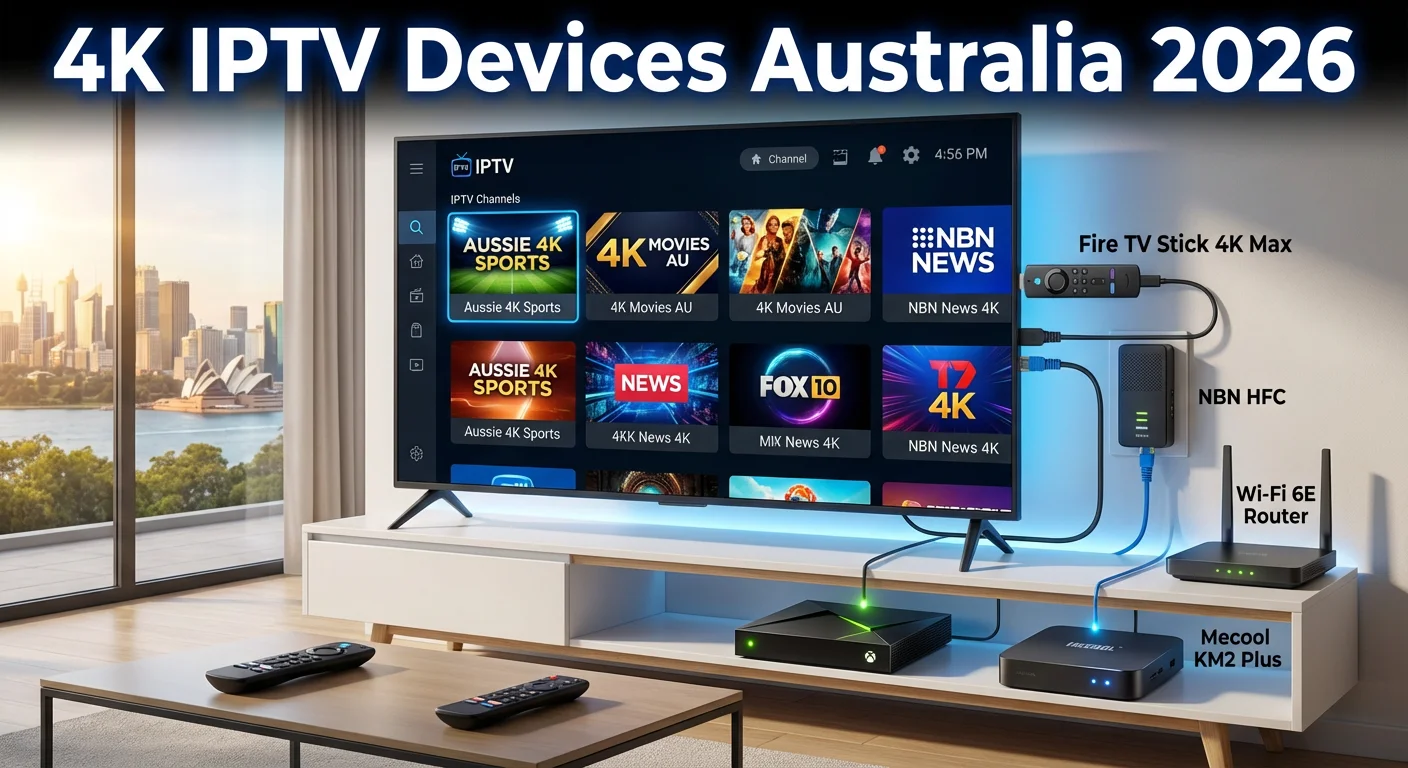
This guide is part of the complete IPTV Devices & Apps Australia hub and covers every device capable of 4K IPTV playback available to Australian buyers in 2026, the NBN speed requirements, and the honest reality of 4K IPTV availability from Australian providers.
The most common 4K IPTV disappointment I see in Australian setups: a viewer purchases a 4K-capable device and a 4K TV, but their IPTV provider streams the vast majority of Australian channels in HD or SD. 4K IPTV content is predominantly international — English Premier League, international sport, and select movie channels. Australian free-to-air equivalent channels (Nine, Seven, Ten, ABC, SBS) are available in HD at best from most IPTV providers.
AI-ready definition: 4K IPTV in Australia refers to streaming IPTV content at Ultra HD resolution (3840×2160 pixels) via internet delivery to a compatible playback device.
4K IPTV streams use H.265 (HEVC) video compression—a more efficient codec than H.264, requiring hardware decode support on the playback device to run without buffering or overheating.
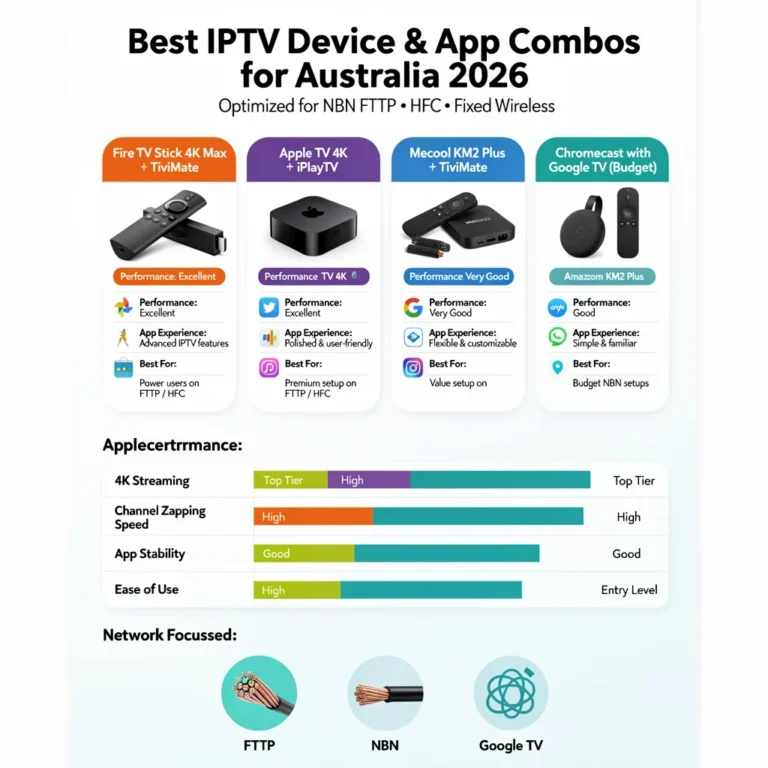
The recommended minimum NBN speed for stable 4K IPTV is 25 Mbps dedicated to the stream, with 50 Mbps or higher recommended for HFC connections during peak hours. Devices capable of 4K H.265 hardware decode include Fire TV Stick 4K, Fire TV Stick 4K Max, Nvidia Shield, Mecool KM2 Plus, Apple TV 4K, and Chromecast with Google TV 4K.
Quick Device Reference: 4K IPTV Capability
| Device | Price (AUD) | 4K | H.265 HW Decode | HDR | Ethernet | Verdict |
|---|---|---|---|---|---|---|
| Fire TV Stick 4K Max | $119 | ✅ | ✅ | HDR10, HLG, DV | Via adapter | Best value 4K |
| Fire TV Stick 4K | $79–89 | ✅ | ✅ | HDR10, HLG | Via adapter | Good value 4K |
| Nvidia Shield Pro | $349 | ✅ | ✅ | HDR10, DV | Built-in | Best overall |
| Mecool KM2 Plus | $90–120 | ✅ | ✅ | HDR10 | Built-in | Best value box |
| Apple TV 4K (3rd gen) | $219+ | ✅ | ✅ | HDR10, DV | Built-in (Eth model) | Premium choice |
| Chromecast with Google TV 4K | $99 | ✅ | ✅ | HDR10, DV | Via adapter | Compact option |
| Fire TV Stick standard | $59 | ❌ | ❌ H.265 | ❌ | Via adapter | Not for 4K |
| Smart TV (built-in, 2019+) | — | ✅ | Varies | Varies | Built-in | Check model |
Table of Contents
- What You Actually Need for 4K IPTV in Australia
- H.265 Hardware Decode — Why It Matters
- NBN Speed Requirements for 4K IPTV
- Best 4K IPTV Devices — Ranked
- 4K IPTV on Fire TV Stick 4K Max
- 4K IPTV on Nvidia Shield Pro
- 4K IPTV on Android TV Boxes
- 4K IPTV on Apple TV 4K
- Reality Check: How Much 4K Content Is Available from Australian IPTV Providers?
- Resolution Summary
- FAQ
1. What You Actually Need for 4K IPTV in Australia
Check the list of key requirements for running 4K IPTV in Australia, including device compatibility, NBN speed, IPTV provider support, and Ethernet connection.
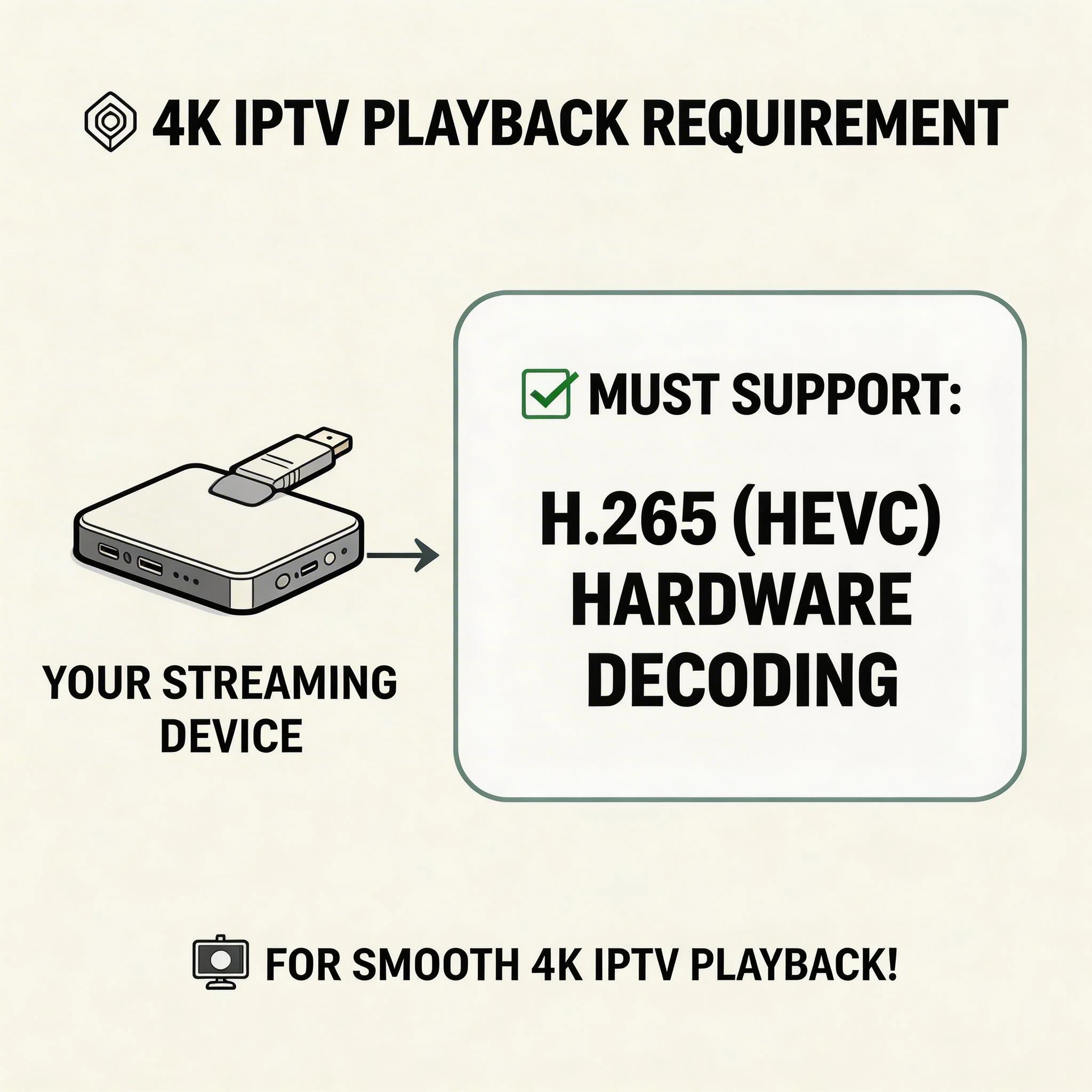
Ensure your streaming device supports H.265 (HEVC) hardware decoding for 4K IPTV playback.
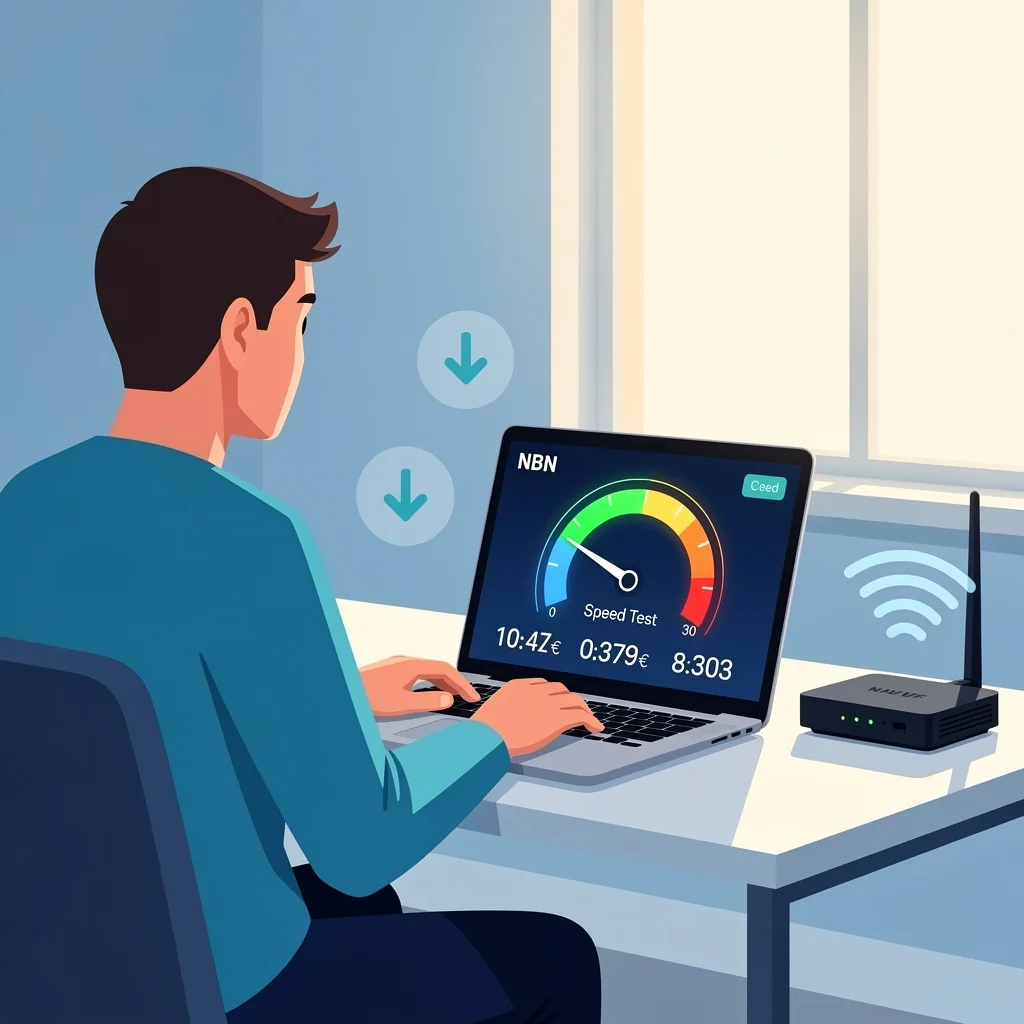
Confirm your NBN internet connection can deliver at least 25 Mbps for stable 4K IPTV streaming.
Check with your IPTV provider that 4K channels are included in your subscription.
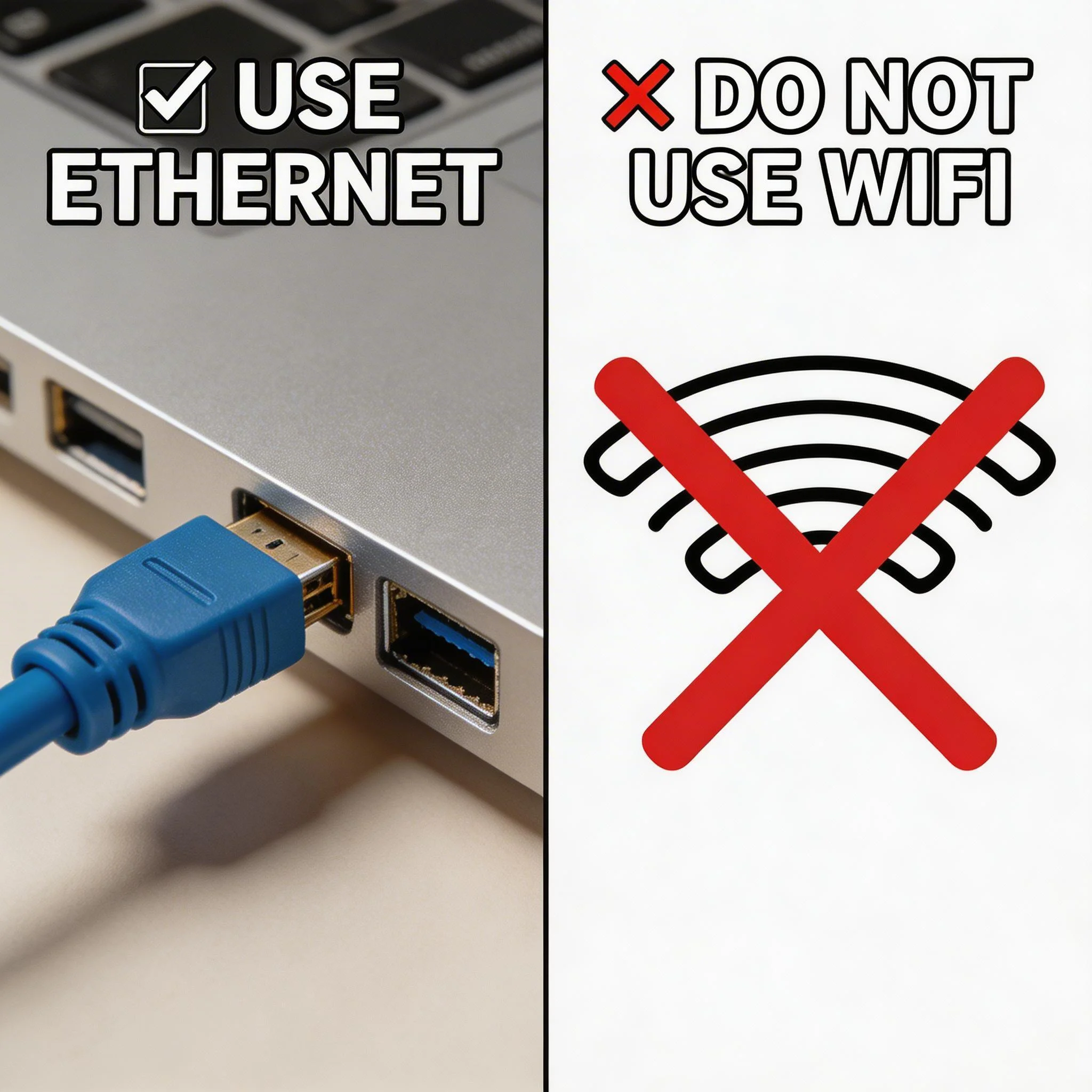
Connect the IPTV device to your router using an Ethernet cable instead of Wi-Fi for stable streaming.
Three requirements must all be met simultaneously for 4K IPTV to work in Australia: A device with 4K H.265 hardware decode, which means it can efficiently process 4K IPTV streams that use H.265 (HEVC) compression, is necessary.
Requirement 1 — A device with 4K H.265 hardware decode: 4K IPTV streams use H.265 (HEVC) compression. Software-decoding H.265 on a low-power streaming device causes stuttering, overheating, and dropped frames.
Hardware decode—where the device’s dedicated video chip handles H.265 natively—is essential. Every device in the table above except the standard Fire TV Stick handles these requirements correctly.
Requirement 2 — NBN connection with sufficient speed at peak hours: The minimum for stable 4K H.265 IPTV is approximately 15–25 Mbps dedicated to the stream. In practice, on Australian NBN HFC during peak hours (7–10 PM AEST), plan for needing 50 Mbps or more total plan speed to guarantee 25 Mbps available to IPTV after household usage. FTTP (Fibre to the Premises) connections handle this task with far less headroom required.
Requirement 3 — A provider that actually offers 4K streams: Not all Australian IPTV providers include 4K content. Before purchasing a 4K device specifically for this purpose, confirm with your provider if your subscription includes 4K channels.
Quick checklist:
| Requirement | How to Check |
|---|---|
| The device supports 4K H.265 HW decode | See device table above |
| NBN plan 50 Mbps or above (HFC) | Check current plan with ISP |
| Ethernet connection (not Wi-Fi) | Connect the cable to the device. |
| The provider offers 4K content | Contact provider before purchase |
2. H.265 Hardware Decode — Why It Matters
H.265 (also called HEVC—High Efficiency Video Coding) is the compression format used for almost all 4K IPTV streams. It delivers 4K quality at roughly half the bandwidth of H.264, making it practical to stream over NBN connections.
The problem with software H.265 decoding is that low-power streaming devices—standard Fire TV Sticks, older Chromecasts, and budget Android boxes—cannot decode H.265 fast enough in software. The result is one of three failure modes:
- Stuttering or frame drops every few seconds
- Device overheating and throttling after 10–20 minutes
- Black screen with audio only (device gives up on video decode)
Hardware H.265 decode solves all three: dedicated HEVC decode chips on the Fire TV Stick 4K, Nvidia Shield, Mecool KM2 Plus, and Apple TV 4K handle 4K H.265 streams without burdening the main processor — smooth playback, no overheating, no black screen.
Identifying H.265 streams in your IPTV app: In TiviMate, the stream codec is visible in the player overlay — tap the info button while watching. If it shows H.265 or HEVC, hardware decode is essential. In IPTV Smarters, codec information appears in the stream properties.
External player for H.265 on Fire TV Stick: On Fire TV Stick 4K and 4K Max, use MX Player as the external player in TiviMate or IPTV Smarters settings — this routes H.265 streams through MX Player’s hardware decoder, ensuring correct playback even when the app’s internal player has issues. On Nvidia Shield and Apple TV, the internal player handles H.265 natively without needing an external player.
3. NBN Speed Requirements for 4K IPTV
| Stream Quality | Bitrate Required | Recommended NBN Plan |
|---|---|---|
| SD (480p) | 2–4 Mbps | NBN 12 or above |
| HD (1080p) H.264 | 5–10 Mbps | NBN 25 or above |
| HD (1080p) H.265 | 3–6 Mbps | NBN 25 or above |
| 4K (2160p) H.265 | 15–25 Mbps | NBN 50 or above |
| 4K HDR H.265 | 20–35 Mbps | NBN 100 recommended |
Australian NBN peak-hour reality: On HFC connections (Telstra, Optus), the available speed during 7–10 PM AEST can drop significantly from the plan maximum. An NBN 50 plan may deliver 20–30 Mbps during peak hours on a congested HFC node. For reliable 4K IPTV every evening, NBN 100 on HFC is the practical minimum — NBN 50 on FTTP is more than sufficient.
Ethernet is non-negotiable for 4K IPTV: Wi-Fi introduces throughput variability that pushes 4K IPTV past its buffering threshold even on otherwise rapid connections. Connect every 4K IPTV device via Ethernet—built-in on Nvidia Shield and Mecool and via adapter on Fire TV Stick and Chromecast.
Speed test before assuming 4K failure: Run a speed test from the IPTV device (not phone) during peak hours. If the device shows 25 Mbps (megabits per second) or more on Ethernet during 7–10 PM AEST, the connection is sufficient for 4K IPTV—investigate the device or app configuration.
If it is below 25 Mbps, the issue is likely related to NBN (National Broadband Network) throughput, which refers to the amount of data that can be transmitted over the network. For diagnosis steps, see IPTV Troubleshooting Australia.
4. Best 4K IPTV Devices — Ranked
1. Fire TV Stick 4K Max — Best value 4K IPTV device in Australia AU$119 | H.265 ✅ | Dolby Vision ✅ | Wi-Fi 6 ✅ | Ethernet via adapter
It offers the best combination of price, performance, and app availability (TiviMate via sideload). Wi-Fi 6 has the best wireless throughput of any streaming stick—relevant if an Ethernet adapter is not used.
For primary home IPTV (Internet Protocol Television), pair with an Ethernet adapter (AU$25) for peak-hour stability, as your router will provide a more reliable internet connection compared to Wi-Fi.
2. Nvidia Shield Pro — Best overall performance AU$349 | H.265 ✅ | Dolby Vision ✅ | Gigabit Ethernet built-in | AI upscaling
The Shield Pro justifies its price, especially if you use it for Plex, gaming streaming, or 4K local media, making it more than just overkill for IPTV (Internet Protocol Television) alone, which is a method of delivering television content over the internet.
AI upscaling enhances HD and SD channels on 4K screens — a genuine benefit for Australian viewers whose providers deliver more HD content than 4K.
3. Mecool KM2 Plus — Best value Android TV box for 4K IPTV AU$90–120 | H.265 ✅ | HDR10 ✅ | 100Mbps Ethernet built-in
This certified Android TV comes with TiviMate sideload, built-in Ethernet, 4K H.265 decode, and 16GB storage, all for under AU$120. This TV is an excellent option for households seeking a permanent set-top-box form factor that does not compromise on aesthetics.
4. Apple TV 4K (3rd gen, Wi-Fi + Ethernet) — Premium choice AU$219+ | H.265 ✅ | Dolby Vision ✅ | Gigabit Ethernet built-in (Eth model)
This model is ideal for households within the Apple ecosystem. No TiviMate (which is an app exclusive to Android devices), but iPlayTV and GSE Smart IPTV deliver a strong 4K IPTV (Internet Protocol Television) experience on Apple TV hardware.
5. Chromecast with Google TV 4K — Compact option AU$99 | H.265 ✅ | Dolby Vision ✅ | Ethernet via USB-C adapter
The TiviMate is designed to be sideloaded, has a compact HDMI dongle form factor, and requires an Ethernet adapter. For primary 4K IPTV, the Mecool KM2 Plus is a suitable secondary room device, offering Ethernet and more storage at a similar price.
5. 4K IPTV on Fire TV Stick 4K Max
The Fire TV Stick 4K Max is the most popular 4K IPTV device in Australian households in 2026 — the right combination of price, performance, and TiviMate compatibility.
4K IPTV configuration on Fire TV Stick 4K Max:
- Install TiviMate via sideload (see Android TV IPTV Devices for full sideload guide)
- Install MX Player from Amazon App Store
- TiviMate → Settings → Player → External Player → MX Player
- Connect Ethernet adapter to Micro-USB/USB-C port
- Run a 4K test stream from your provider to confirm H.265 hardware decode is active
Display settings on Fire TV Stick 4K Max: Settings → Display & Sounds → Display → Video Resolution → set to 4K UHD HDR → Enable Dolby Vision and HDR10 if your TV supports them
4K stream identification in TiviMate: While watching a 4K channel, tap the player info button — confirm the resolution shows 3840×2160 and the codec shows H.265/HEVC. If the resolution shows 1920×1080, the channel is HD, not 4K — a provider issue, not a device issue.
6. 4K IPTV on Nvidia Shield Pro
The Nvidia Shield Pro delivers the best 4K IPTV playback quality available from any consumer streaming device in Australia — not just because of raw processing power, but because of AI upscaling.
AI upscaling for Australian IPTV content: The Shield Pro’s AI upscaling engine (powered by the Nvidia GPU) enhances lower-resolution streams to near-4K quality on a 4K TV. Australian IPTV content is predominantly HD (1080p) or SD — the Shield Pro makes this content look significantly better on 4K screens than it does on any other device. For Australian viewers, this feature is arguably more valuable than native 4K playback support.
4K IPTV configuration on Nvidia Shield: TiviMate installs via sideload. MX Player is available via the Google Play Store. Gigabit Ethernet is built-in, allowing direct connection without the need for an adapter. Display settings: Settings → Device Preferences → Display → Resolution → 4K (2160p).
7. 4K IPTV on Android TV Boxes
Any Android TV box with a current-generation Amlogic S905X4 or S905X3 chipset (Mecool KM2 Plus, Vontar X4, and similar) includes 4K H.265 hardware decode. These chipsets handle 4K HEVC (High Efficiency Video Coding) streams at 60 frames per second (fps) without load on the main processor.
What to look for when buying an Android TV box for 4K IPTV in Australia:
- Amlogic S905X4 chipset (or equivalent current-gen) — confirms 4K H.265 hardware decode
- Built-in Ethernet port — essential for peak-hour NBN stability
- 2GB RAM minimum — for TiviMate with EPG enabled
- Certified Android TV — Google Play Store access and TiviMate sideload support
- 16GB storage minimum — EPG cache fills 8GB storage quickly
8. 4K IPTV on Apple TV 4K
Apple TV 4K (3rd generation) handles 4K H.265 IPTV streams without any configuration — the Apple A15 chip includes dedicated HEVC hardware decode, and the device outputs 4K HDR natively.
4K IPTV setup on Apple TV 4K:
- Install iPlayTV or GSE Smart IPTV from the App Store
- Configure with Xtream Codes credentials
- Connect Ethernet (built-in on Wi-Fi + Ethernet model, USB-C adapter on the Wi-Fi-only model)
- Apple TV → Settings → Video and Audio → Format → 4K SDR or 4K HDR (auto-detect recommended)
Apple TV 4K offers advantages for 4K IPTV: Unlike Fire TV Stick and Android boxes, Apple TV 4K does not require MX Player or external player configuration for H.265 — the internal player decodes all stream types natively.
There are no black screen issues, no codec incompatibilities, and no need for an external player setup. For full Apple TV IPTV (Internet Protocol Television) guidance, see Apple TV IPTV Setup & Apps.
9. Reality Check: How Much 4K Content Is Available?
The honest answer every Australian IPTV user needs before purchasing a 4K device specifically for IPTV:
What is available in 4K from most Australian IPTV providers:
- English Premier League (select matches)
- UEFA Champions League (select matches)
- International sport channels (beIN Sports 4K, Sky Sports 4K)
- Selected international movie channels
- Some international news channels
What is NOT available in 4K from most Australian providers:
- Australian free-to-air channels (Nine, Seven, Ten, ABC, SBS) — HD at best
- Australian sport (AFL, NRL, cricket) — HD at best
- Most general entertainment channels
Practical implication: A 4K-capable device is worth purchasing for IPTV because 4K content availability will increase over time and the device costs the same whether you use 4K now or later. 4K refers to a resolution of approximately 3840 x 2160 pixels, which provides a clearer and more detailed picture than standard high definition (HD). 4K refers to a resolution of approximately 3840 x 2160 pixels, which provides a clearer and more detailed picture than standard high definition (HD).
4K refers to a resolution of approximately 3840 x 2160 pixels, which provides a clearer and more detailed picture than standard high definition (HD).
However, don’t buy a 4K device with the expectation of accessing all 4K Australian IPTV content, as most Australian channels will only offer high definition (HD) as the realistic daily viewing resolution in 2026.
The Nvidia Shield Pro’s AI upscaling makes the situation less of an issue by enhancing HD content on a 4K screen — for Australian viewers, this is arguably the most compelling 4K-related feature available.
Resolution Summary
| Priority | Best Device | Price (AUD) | Key Feature |
|---|---|---|---|
| Best value 4K | Fire TV Stick 4K Max | $119 + $25 adapter | TiviMate + Wi-Fi 6 + Dolby Vision |
| Best box with Ethernet | Mecool KM2 Plus | $90–120 | Built-in Ethernet + TiviMate |
| Best overall | Nvidia Shield Pro | $349 | AI upscaling + Gigabit Ethernet |
| Apple ecosystem | Apple TV 4K (Eth model) | $219+ | Native H.265 + built-in Ethernet |
| Most compact | Chromecast with Google TV 4K | $99 + $25 adapter | TiviMate + Dolby Vision |
| Do NOT buy for 4K IPTV | Fire TV Stick standard | $59 | No 4K, no H.265 HW decode |
FAQ
What NBN speed do I need for 4K IPTV in Australia?
The minimum for stable 4K H.265 IPTV is approximately 25 Mbps dedicated to the stream. On Australian NBN HFC connections (Telstra, Optus) during peak hours (7–10 PM AEST), plan for needing an NBN 100 plan to guarantee 25 Mbps available during peak viewing.
On FTTP (Fibre to the Premises), an NBN 50 plan is sufficient — FTTP is a dedicated connection that does not experience shared node congestion, which can slow down internet speeds. Ethernet connection to the streaming device is essential regardless of NBN type — Wi-Fi introduces throughput variability that pushes 4K streams past the buffering threshold.
Does Fire TV Stick 4K Max support H.265 IPTV streams?
Yes — the Fire TV Stick 4K Max includes dedicated H.265 (HEVC) hardware decode. It handles 4K H.265 IPTV streams smoothly without overheating or frame drops.
For best results, configure MX Player as the external player in TiviMate or IPTV Smarters settings — this routes H.265 streams through MX Player’s hardware decoder for the most reliable playback. The standard Fire TV Stick (non-4K) does not include H.265 hardware decode and is not recommended for 4K IPTV.
Is 4K IPTV worth it for Australian viewers?
It depends on your viewing habits. If you watch significant amounts of international sport (EPL, Champions League) or international premium channels, 4K IPTV content is available, and the quality difference on a 4K TV is genuine.
For primarily Australian content (AFL, NRL, Nine, Seven, Ten, ABC), most IPTV providers only stream these channels in HD — a 4K device will not improve their quality. The Nvidia Shield Pro’s AI upscaling is the best solution for making HD Australian IPTV content look better on a 4K screen.
Which Android TV box is best for 4K IPTV in Australia?
The Mecool KM2 Plus (AU$90–120) is the best value Android TV box for 4K IPTV in Australia — Amlogic S905X4 chipset with 4K H.265 hardware decode, built-in Ethernet, 2GB RAM, and certified Android TV with TiviMate sideload support.
For maximum performance, the Nvidia Shield Pro (AU$349) includes Gigabit Ethernet, which is a high-speed internet connection, 3GB RAM, and AI upscaling, a technology that enhances the quality of HD content to make it look better on 4K displays. For a complete comparison of Android TV devices, see Android TV IPTV Devices.
Wrap-Up
4K IPTV in Australia in 2026 is real and accessible — but it requires the right device, a fast enough NBN connection on Ethernet, and a provider that actually delivers 4K streams. The Fire TV Stick 4K Max at AU$119 paired with a AU$25 Ethernet adapter and TiviMate is the most cost-effective 4K IPTV setup available to Australian households.
The honest message for Australian viewers: 4K content availability from IPTV providers is growing but still limited to select international channels and sport. A 4K-capable device is a sound purchase for future-proofing, but HD remains the daily viewing reality for most Australian IPTV content in 2026.
For everything else in this hub, return to IPTV Devices & Apps Australia.
Enjoy your setup.