By Daniel Carter — IPTV Systems Analyst & Service Comparison Specialist, Melbourne | IPTV Australia Guide
Last updated: July 2026
Quick Answer: A public IPTV playlist is a free M3U file containing stream URLs for publicly available channels — mainly free-to-air broadcasters and international news. The IPTV-Org GitHub repository is the most reliable Australian source, with its community regularly updating it. Free public playlists are not a reliable source for AFL, NRL, cricket, or premium channels. Viewers needing those services should compare licensed options or test a complete IPTV service before subscribing.
At a Glance — Public IPTV Playlist Australia 2026
| What you want | Best option |
|---|---|
| Free FTA and news channels (ABC, SBS, BBC, CNN) | IPTV-Org AU playlist — free M3U URL below |
| AFL, NRL, cricket, Fox Footy | Premium sports and channels → compare licensed IPTV options or trial services |
| Best free M3U player for Fire TV Stick | TiviMate (Fire TV) or IPTV Smarters Pro (all devices) |
| Legal IPTV services Australia | Kayo, Fetch TV, Foxtel – or see free trial below |
| IPTV for Android TV Australia | TiviMate + M3U URL — setup guide below |
| Free trial before paying | Free 24-hour trial via WhatsApp or live chat |
Who This Guide Is For
This guide is for you if you’d like to:
- You want to understand what a public IPTV playlist is and what it actually contains.
- You are looking for free Australian M3U links to test on TiviMate, IPTV Smarters, or VLC.
- You want to know where to get IPTV playlists beyond the obvious Google results.
- You are comparing free public playlists with paid IPTV services before deciding.
- You want to know whether IPTV is legal in Australia before using any service.
What This Guide Does Not Do
This guide does not rank or recommend paid IPTV providers by name. Instead, it explains how public playlists work, what they realistically contain, and how to evaluate any service—free or paid—using consistent criteria. For viewers wanting sport and premium content, the free 24-hour trial offer below is the practical next step.
What Is a Public IPTV Playlist?
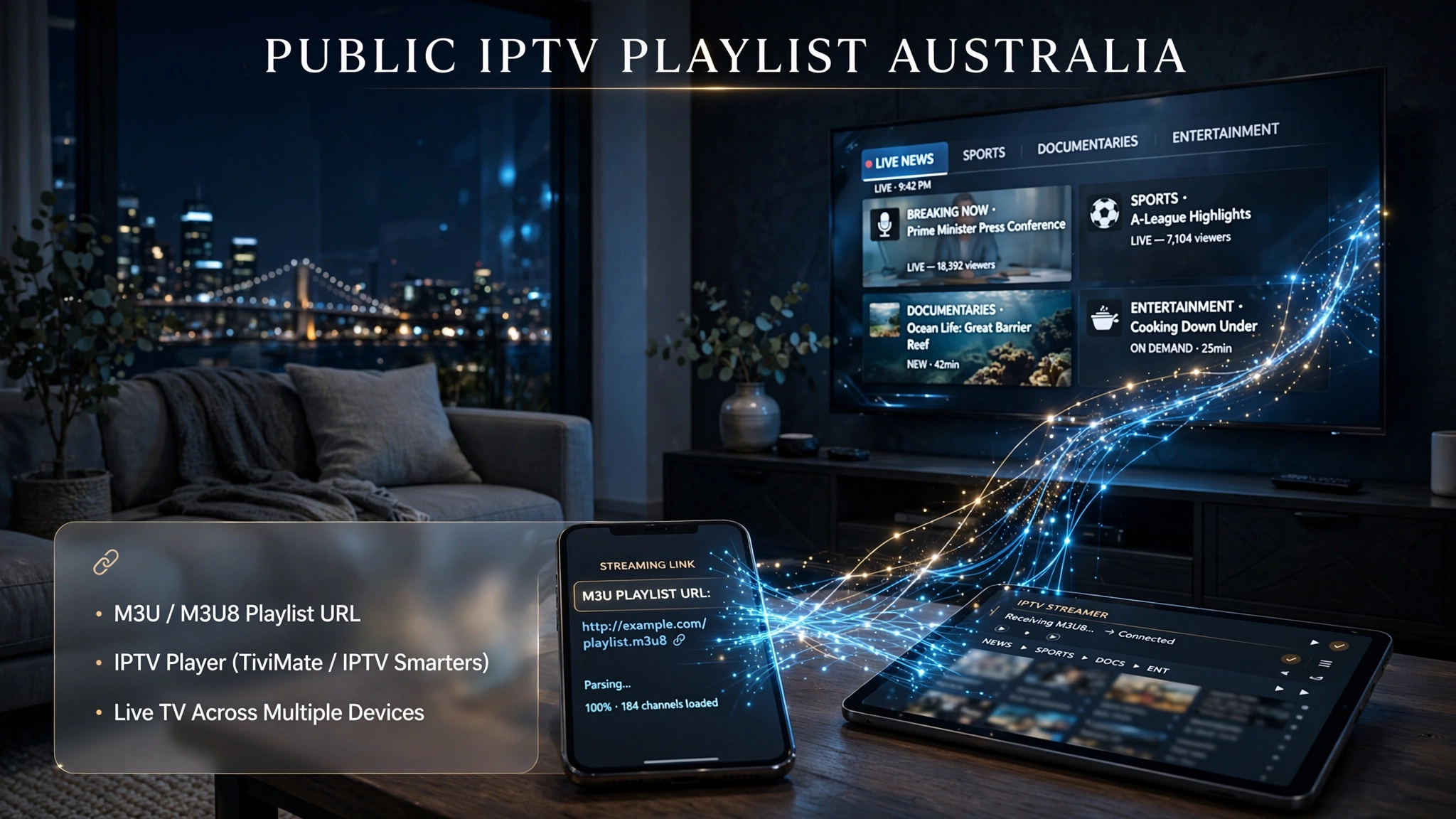
A public IPTV playlist is a text file — in M3U or M3U8 format — that contains a list of stream URLs that point to live TV channels. When you load this file into an IPTV player app (TiviMate, IPTV Smarters, or VLC), the app reads the URLs and presents them as a channel list you can browse and stream.
M3U (Moving Picture Experts Group Audio Layer 3 URL) is the original playlist format. M3U8 is the modern version built specifically for HLS (HTTP Live Streaming) with UTF-8 character encoding. Both work in all major Australian IPTV apps — M3U8 is generally preferred for 2026 because it handles adaptive bitrate streaming better on variable NBN connections.
‘Public’ means the playlist is shared openly — no login, no payment, no account. The streams themselves point to channels that are freely broadcast by their rights holders (public broadcasters or news networks) or, in some cases, to streams that have been added without authorisation. The legality depends entirely on which category each stream falls into — more on this below.
Key takeaway: A public IPTV playlist is a starting point for IPTV streaming, not a complete solution. It gives you free-to-air channels and international news. It does not give you sport, entertainment, or any premium content reliably.
Where to Get IPTV Playlists for Australia — Best Free M3U Sources (July 2026)
These are the most reliable, actively maintained public IPTV playlist sources tested on Australian NBN connections in 2026.
| Source | Channels | Updated | AU Channels | Reliability |
|---|---|---|---|---|
| IPTV-Org GitHub | 8,000+ | Daily | ✅ Yes | ⭐⭐⭐⭐⭐ |
| Free-TV GitHub | 200+ | Weekly | ✅ Partial | ⭐⭐⭐⭐ |
| IPTV-Cat | 1,500+ | Daily | ✅ Partial | ⭐⭐⭐ |
| awesome-iptv | 300+ | Weekly | ✅ Yes | ⭐⭐⭐ |
1. IPTV-Org GitHub — Best Overall
Full index (all countries):
https://iptv-org.github.io/iptv/index.m3uAustralia-specific channels (recommended):
https://iptv-org.github.io/iptv/countries/au.m3uThe gold standard for free public IPTV playlists. Maintained by a global open-source community, updated daily, and containing 8,000+ channels from 160+ countries. The Australian playlist includes public broadcaster streams and FTA channels — the exact channel list changes daily as streams are added, verified, or removed.
EPG (TV guide) for IPTV-Org:
https://iptv-org.github.io/epg/Tip: Always use the country-specific AU URL. Loading the full 8,000-channel index slows down any IPTV app significantly and fills your channel list with thousands of irrelevant international streams.
2. Free-TV GitHub — Best for News Channels
M3U URL:
https://raw.githubusercontent.com/Free-TV/IPTV/master/playlist.m3u8A curated list focused entirely on legally free, publicly available streams — mostly international news channels and public broadcasters. Smaller than IPTV-Org but more reliable because every channel is verified as genuinely free to air.
Best for: BBC World News, CNN International, Al Jazeera English, France 24, NHK World Japan, DW News
3. IPTV-Cat — Best for Finding Specific Channels
Website: iptv-cat.com
A searchable database of public IPTV playlists, filterable by country and category. Useful when you want to find specific channel types—a particular language, a sport category, a news region—without loading a massive M3U file and searching through thousands of channels.
What to Avoid in Free Playlist Sources
- Sites not updated within the last 14 days — streams will be mostly dead
- Playlists with 10,000+ channels and no country filter — predominantly dead links padding the count
- Sites requiring account creation or payment details before showing any playlist
- Random Pastebin links or file-sharing sites — significant malware exposure risk
- GitHub repositories with no commits in the past 30 days
Key takeaway: IPTV-Org is one of the most consistently maintained public IPTV playlist sources available for Australian channels. Everything else requires manual verification and frequent maintenance.
Australian Free-to-Air Channels — What Is Actually in These Playlists
Before loading any public IPTV playlist in Australia, you should know what it contains.
Typically included in the IPTV-Org AU playlist:
- ABC News (selected streams)
- SBS (selected streams)
- Some regional FTA channels
- International news: BBC World, CNN, Al Jazeera, France 24, NHK World
Excluded from all free public playlists:
- Fox Footy — AFL broadcast rights locked behind Foxtel/Kayo
- Fox Sports — NRL, cricket, motorsport behind paywall
- beIN Sports — subscription only
- Channel 9 premium events — rights-restricted
- Stan, Binge, Netflix — on-demand, not IPTV format
- Any content the rights holder has not made freely available
The exact channels in the IPTV-Org AU playlist change daily. Visit the IPTV-Org GitHub repository directly for the current verified channel list rather than relying on any static reference.
Free 24-Hour IPTV Trial — Compare Before You Subscribe
A public IPTV playlist is useful for testing IPTV apps and accessing publicly available channels, but it does not provide the same experience as a complete IPTV service.
For viewers looking for AFL, NRL, cricket, international sports, or a wider selection of channels, a short trial period is the most practical way to evaluate streaming quality on their device and internet connection.
During the free 24-hour trial, users can evaluate:
• Channel availability and organisation
• Streaming stability on their preferred device
• EPG accuracy and channel information
• Compatibility with IPTV players such as TiviMate and IPTV Smarters Pro
How to request the trial:
- Provide your device type (Fire TV Stick, Smart TV, Android TV, iPhone, Apple TV, etc.)
- Tell us which IPTV player you use
- Request trial access through WhatsApp or live chat
- Test the service before deciding whether it meets your requirements
The purpose of the trial is to allow users to compare a public playlist with a complete IPTV setup using their equipment, IPTV app, and internet connection.
No credit card is required, and the trial does not include automatic renewal.
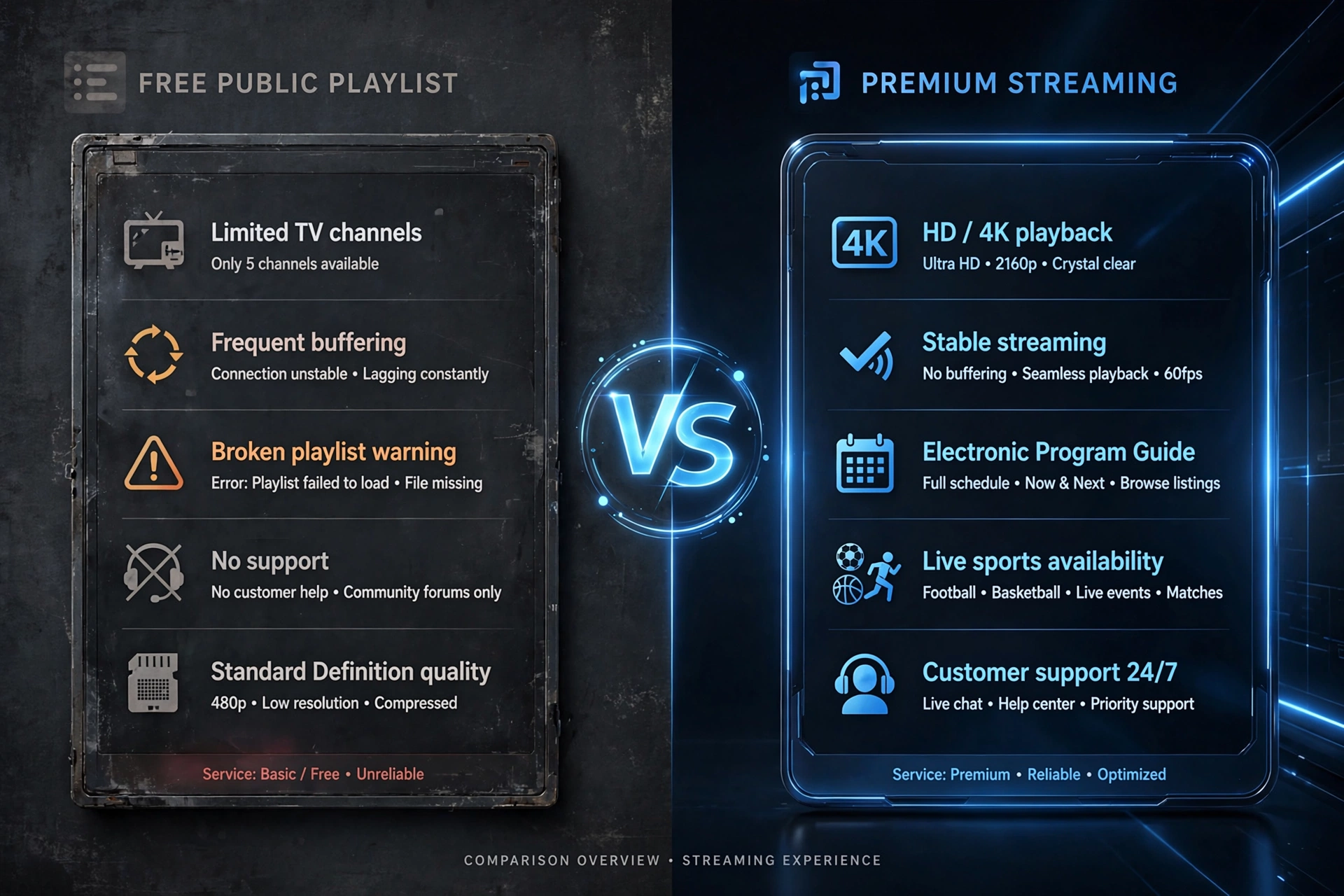
Free Public Playlist vs Paid IPTV — Honest Comparison
| Factor | Free Public Playlist | Subscription-based TV services |
|---|---|---|
| Cost | Free | ~$15–$30/month |
| AFL / Fox Footy | ❌ Not available | ✅ Included |
| NRL / Fox Sports | ❌ Not available | ✅ Included |
| Cricket Australia | ❌ Not available | ✅ Included |
| International news | ✅ BBC, CNN, Al Jazeera | ✅ Included |
| Australian FTA (ABC, SBS) | ✅ Partial | ✅ Included |
| Channel reliability | Low — streams break daily | High — 99%+ uptime |
| Peak-hour performance | Poor free servers overload | Good — dedicated infrastructure |
| 7-day EPG | Partial | ✅ Full |
| Customer support | None | WhatsApp / live chat |
| Maintenance needed | Weekly — replace dead links | None |
| Legal certainty | Varies by channel | Clear for licensed services |
Where free playlists make sense: Testing IPTV apps for the first time, watching international news, accessing genuine public broadcaster streams, and learning how M3U playlists work before committing to a paid subscription.
Where paid IPTV makes sense: Any household wanting AFL, NRL, cricket, or premium content; anyone who cannot afford to spend time maintaining broken links; anyone wanting a reliable daily streaming experience.
How to Set Up IPTV Australia — Loading a Playlist on Any Device
TiviMate (Fire TV Stick, Android TV) — Recommended
TiviMate is the best IPTV player for Australian users on Fire TV Stick and Android TV. It handles large playlists (8,000+ channels) better than any other app and delivers the best EPG experience.
- Open TiviMate
- Tap the gear icon → Playlists → Add Playlist
- Select M3U Playlist
- Paste the M3U URL (e.g., the IPTV-Org AU URL above)
- Name the playlist (e.g., “Public AU”)
- Add EPG URL:
https://iptv-org.github.io/epg/ - Save and wait for the playlist to load
Can I have multiple playlists on TiviMate? Yes — Tivimate supports multiple playlist profiles. You can load both a free public playlist and a paid service’s M3U credentials simultaneously, switching between them from the playlist menu.
IPTV Smarters Pro (Android, iOS, Fire TV Stick, Smart TV)
IPTV Smarters Pro is the most versatile IPTV app in Australia — available on virtually every platform and compatible with both M3U URLs and Xtream Codes credentials.
- Open IPTV Smarters Pro
- Tap Add New User
- Select Load Your Playlist or File/URL
- Paste the M3U URL
- Name the playlist
- Tap Add User
What app plays M3U playlists best? TiviMate (Fire TV Stick / Android TV) and IPTV Smarters Pro (all other devices) are the two most widely used apps in Australia. VLC is the best choice for desktop testing without creating any accounts.
VLC (Windows, Mac, Linux) — Best for Testing
- Open VLC Media Player
- Go to Media → Open Network Stream (Ctrl+N)
- Paste the M3U URL
- Click Play
If streams buffer, go to Tools → Preferences → Input/Codecs and increase network caching to 2000 ms.
IPTV for Android TV Australia
For Android TV devices (Sony, Philips, or Android TV boxes), install TiviMate from the Google Play Store and follow the TiviMate steps above. TiviMate is optimised for Android TV remote navigation and offers the best channel browsing experience with a standard TV remote.
For a complete device-by-device setup guide, including Samsung Smart TV, Apple TV, and Fire TV Stick, see IPTV Setup Australia.
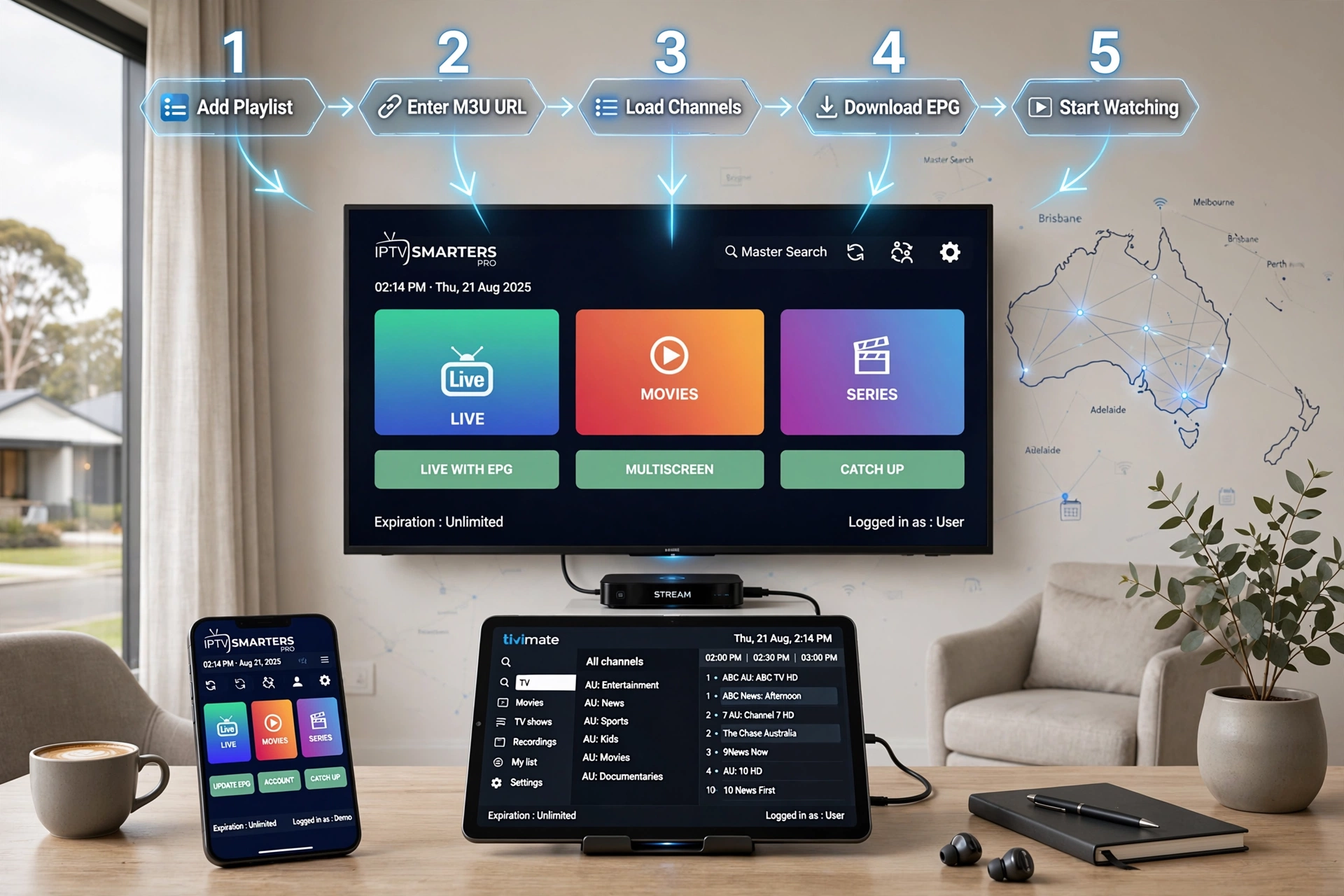
Why Free IPTV Playlists Keep Breaking
Understanding why streams fail helps you set realistic expectations and identify when the problem is the playlist source rather than your device or internet connection.
1. Token expiration Most stream URLs contain time-limited authentication tokens that are embedded in the URL. Once expired — typically within 24–72 hours — the server returns a 403 Forbidden error. This is the most common cause of broken streams in any free playlist.
2. Server shutdowns: Rights holders actively monitor and shut down unauthorised streaming endpoints. Sports channels and entertainment channels face the most aggressive targeting. A Fox Footy stream that appears in a free playlist today will typically be shut down within hours of its discovery.
3. IP restrictions Many streams only serve requests from specific countries or IP ranges. Some European channels block Australian IP addresses. Some Australian streams are geo-locked even within Australia depending on licensing agreements.
4. Free server bandwidth limits Free streaming servers frequently cap the number of concurrent viewers. During peak hours — Saturday AFL rounds and weeknight prime time — popular free streams return errors when they exceed their viewer cap. This is when free playlists are least reliable: exactly when you most want them to work.
5. No maintenance guarantee Community repositories like IPTV-Org update daily, but only as they can. There is no support team, no SLA, and no accountability if a channel disappears. Expect 20–40% of channels in any free playlist to be non-functional at any given time.
Key takeaway: Free playlists are not set-and-forget. Expect to refresh your source every 1–2 weeks and verify channels individually. For any content you want to watch reliably, a paid service is the only practical option.
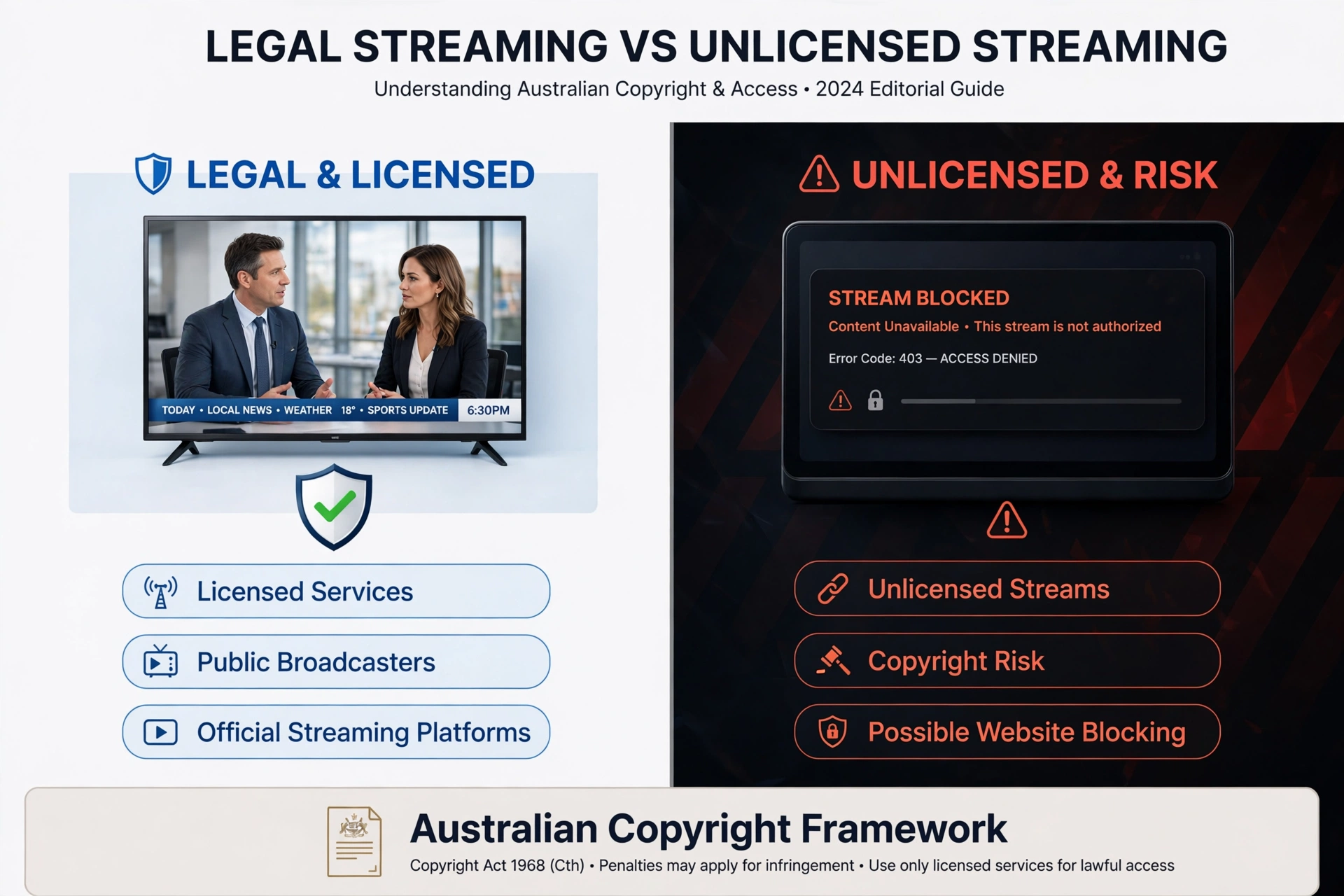
Is IPTV legal in Australia?
IPTV technology is legal in Australia. The legality of specific streams depends entirely on the content — not the technology or the playlist format.
Legal to stream:
- Public broadcaster streams that rights holders make freely available (ABC, SBS, BBC World, Al Jazeera, France 24)
- International news channels freely broadcast by their rights holders
- Any content the rights holder makes publicly and freely available online
Not legal to stream:
- Fox Footy, Fox Sports, beIN Sports via unauthorised streams
- Entertainment channels requiring a subscription (Stan, Binge, Foxtel)
- Any stream that bypasses geographic licensing restrictions
Are there legal IPTV services in Australia? Yes. Licensed IPTV services operating legally in Australia include Kayo Sports (AFL, NRL, cricket, F1), Fetch TV (entertainment + sport bundle), and Foxtel (full sports and entertainment). These services hold content distribution licences under ACMA (Australian Communications and Media Authority) regulations and operate within the Copyright Act 1968 (Cth).
Is it illegal to pay for IPTV? Paying for a licensed IPTV service is completely legal. Paying for an unlicensed IPTV service that carries copyrighted content is illegal, and while it typically doesn’t make the viewer legally liable, the service violates Australian copyright law.
Can IPTV be detected? ISPs can monitor the type of traffic, including IPTV streams. ACMA has the power to direct ISPs to block websites facilitating copyright infringement. Individual viewer prosecution is rare in Australia, but ISP warning notices are possible for consistent use of blocked services.
Is IPTV going to be blocked in Australia? ACMA has been blocking unlicensed sports streaming sites since 2018 and continues to expand its blocking register. The technology itself will not be blocked, but specific unlicensed services may be. Licensed services and free public broadcaster playlists are not at risk.
For the complete Australian legal framework, see Is IPTV Legal in Australia? | IPTV Laws Australia.
M3U vs M3U8 — Which Format Should You Use?
| Feature | M3U | M3U8 |
|---|---|---|
| Format | Original playlist format | Modern HLS version with UTF-8 encoding |
| Compatibility | All IPTV apps | All major apps — TiviMate, Smarters, VLC |
| Adaptive bitrate | Limited | ✅ Full support |
| Special characters | May cause display errors | ✅ Handles correctly |
| Best for | Older devices, simple setups | 2026 Australian NBN streaming |
What is the playlist URL in IPTV? The playlist URL is the M3U or M3U8 link you paste into your IPTV player app. It tells the app where to download the channel list. For free public playlists, the source is a GitHub URL. For paid IPTV services, this is the URL provided by the service when you subscribe (or during the free trial).
How do I add an M3U playlist? Paste the URL into your IPTV app’s “Add Playlist” or “Add New User” section — exact steps vary by app. See the setup guide above for TiviMate, IPTV Smarters, and VLC.
FAQ — Public IPTV Playlist Australia
Where do you get playlists for IPTV in Australia?
Free public playlists come from maintained repositories — IPTV-Org’s GitHub is the most reliable (the URL is above). Paid IPTV playlists (M3U credentials or Xtream Codes) come from IPTV service providers. Always request a 24-hour free trial before paying for any service — legitimate providers offer such trials as standard. Contact us via WhatsApp or live chat for our free trial.
What is the best free IPTV player for M3U in Australia?
TiviMate on Fire TV Stick and Android TV is the most capable — it has the best EPG, fastest channel switching, and supports multiple simultaneous playlists. IPTV Smarters Pro is the most versatile – available on Android, iOS, Fire TV, and smart TVs. VLC is the safest for desktop testing — no account required, no personal data stored.
What is the best IPTV player for Fire TV Stick in 2026?
TiviMate Premium is the clear leader for Fire TV Stick in 2026. It handles large M3U playlists (8,000+ channels) without performance issues, delivers a polished EPG experience, and supports multiple playlist profiles. IPTV Smarters Pro is the best alternative if you also use iOS or Android devices and want one app across all platforms.
How to get more channels on IPTV?
Load a broader playlist (the IPTV-Org full index rather than the AU-only URL), or subscribe to a paid IPTV service with a larger channel package. Free public playlists are limited to genuinely free-to-air content — premium channels require a paid subscription.
Can I have multiple playlists on the same IPTV app?
Yes. TiviMate supports multiple playlist profiles—you can switch between a free public playlist and a paid service’s credentials from the playlist menu. IPTV Smarters Pro supports multiple user profiles with separate credentials for each.
What app plays M3U playlists on Android TV?
TiviMate (Google Play Store) is the best M3U player for Android TV in Australia. GSE Smart IPTV and IPTV Smarters Pro are the best alternatives if TiviMate is unavailable on your specific Android TV model.
Can I watch Netflix on IPTV?
No. Netflix is an on-demand streaming service — not a live TV broadcast — and cannot be delivered via an M3U IPTV playlist. Netflix requires its own app and subscription. IPTV delivers live channels; Netflix delivers on-demand content. These are separate systems.
How much is IPTV in Australia?
Free public playlists cost nothing but contain only FTA and news channels. Paid IPTV services in Australia range from approximately $15 to $30/month depending on the channel package, connection count, and subscription length. A free 24-hour trial is the best way to verify quality before paying — contact us via WhatsApp or live chat.
Is IPTV legal in Australia?
IPTV technology is legal. The legality of specific content depends on whether the stream comes from a licensed source. Public broadcaster streams (ABC, SBS, and BBC) are legal. Streams carrying Fox Footy, Fox Sports, or entertainment channels without rights are not legal. Licensed Australian IPTV services (Kayo, Fetch TV, and Foxtel) are fully legal. Full analysis: Is IPTV Legal in Australia?
How to use IPTV in Australia?
- Choose a playlist source (free public playlist or paid service).
- Download an IPTV player app (TiviMate for Fire TV Stick, IPTV Smarters Pro for other devices).
- Paste your M3U URL or Xtream Codes credentials into the app.
- Browse channels and start streaming. Full device guide: IPTV Setup Australia.
What speed do I need for IPTV in Australia? HD streams: 10–15 Mbps. Full HD: 15–25 Mbps. 4K: 25–50 Mbps per stream. Most Australian NBN 25 and NBN 50 plans handle HD IPTV without issues. If you experience buffering on a free playlist, the cause is almost always the free server being overloaded — not your internet connection.
Explore More
- IPTV Australia Guide 2026 — complete overview
- Best IPTV Australia — tested and ranked
- IPTV Setup Australia — full device setup guide
- IPTV Playlist Setup Australia — playlist configuration
- How to Use IPTV M3U Playlist — M3U guide
- IPTV Playlist URL — URL formats explained
- Best IPTV Devices Australia — device guide
- Best IPTV for Sports Australia — AFL, NRL, cricket
- Is IPTV Legal in Australia? — legal guide
- IPTV Laws Australia — ACMA and enforcement
- Legal IPTV Australia — licensed services guide
Quick Recommendation: Start with the IPTV-Org AU playlist loaded into TiviMate or IPTV Smarters Pro. This gives you working Australian FTA and international news channels in under five minutes. If your goal is AFL, NRL, cricket, or any premium content, contact us via WhatsApp or live chat for a free 24-hour trial — no credit card, no commitment — and compare the difference directly on your device.
Bottom Line
A public IPTV playlist gives Australian viewers access to free-to-air channels and international news through any IPTV player app. The IPTV-Org GitHub repository is the most reliable source — the Australia-specific URL delivers the most relevant channels, updated daily, in under five minutes of setup.
The honest limit: free public playlists break regularly, require weekly maintenance, and do not include AFL, NRL, cricket, or any premium content. For viewers whose primary goal is sport or reliable daily streaming, the time cost of maintaining broken free links exceeds the monthly cost of a quality paid service within the first few weeks.
The free 24-hour trial above exists for exactly this comparison: test a full paid service on your actual device, with your actual IPTV app, before deciding whether it is worth the monthly cost.
Sources
- IPTV-Org GitHub repository: github.com/iptv-org/iptv
- Free-TV GitHub repository: github.com/Free-TV/IPTV
- IPTV-Cat directory: iptv-cat.com
- ACMA website blocking register: acma.gov.au
- Copyright Act 1968 (Cth): legislation.gov.au
- Kayo Sports (licensed AFL streaming): kayosports.com.au
- Fetch TV (licensed IPTV Australia): fetchtv.com.au