Daniel Carter | IPTV Australia Guide
Published: 28 February 2026 · Last updated: August 2026
Quick Answer
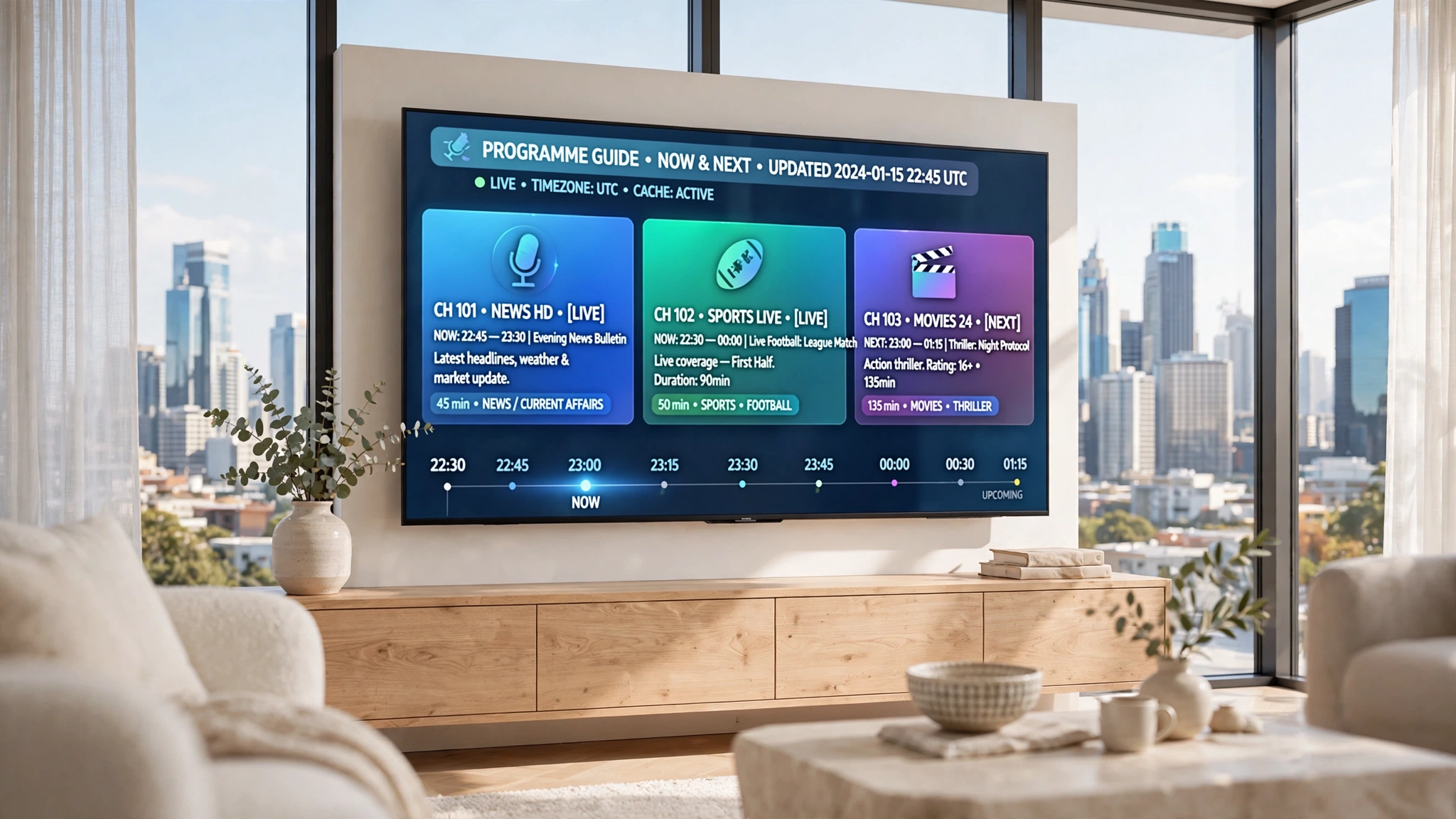
IPTV EPG explained in one sentence: an IPTV EPG (Electronic Programme Guide) is the on-screen schedule that displays current and upcoming programmes by combining your playlist with external guide data, usually delivered in XMLTV format. Unlike cable or satellite, where the guide arrives inside the broadcast signal, IPTV pulls it from a separate source — which is why it can fail independently of your channels. For the wider picture, see the IPTV Australia guide.
What Is EPG in IPTV?
EPG stands for Electronic Programme Guide. It is the grid you open to see what is playing now, what follows, and what is scheduled over the coming days — rows for channels, columns for time.
Functionally it does the same job as the guide on a Foxtel box or a free-to-air television. The difference is entirely in how the data arrives, and that difference explains most of what people find confusing about IPTV guides.
Without one, a subscription with hundreds of channels is just a list of names with no indication of what they show. With one, it becomes navigable television.
EPG vs TV Guide: Is There a Difference?
In everyday use, no — people use the term to mean the same thing. Technically the distinction is worth knowing, because it is the source of the data rather than the display.
| Traditional TV guide | IPTV EPG | |
|---|---|---|
| Where the data lives | Built into the set-top box | Fetched from an external file |
| How it arrives | Inside the broadcast signal | Downloaded over the internet, separately |
| Who maintains it | The broadcaster or platform | Your provider, or a third-party source |
| Can it fail alone? | Rarely | Yes — channels can work while the guide does not |
| Time zone handling | Set by the platform | Depends on the source and your player |
That fourth row is the practical one. On cable, a broken guide usually means a broken box. On IPTV, a completely blank guide alongside perfectly working channels is normal and common.
Why IPTV EPG Works Differently from Cable
On cable and satellite boxes, the guide is built into the hardware and travels with the signal. In IPTV it works differently: the player pulls schedule data from an external source rather than from a broadcaster’s transmission.
That architectural difference has three consequences worth understanding before anything else.
The guide and the channels are independent. They come from different places, sometimes from entirely different organisations. A channel can stream flawlessly while its guide entry stays empty, because nothing connects the two beyond a matching identifier.
The guide has to be maintained separately. Broadcast schedules change constantly. Somebody has to keep collecting those changes, formatting them, and publishing them. That is ongoing work, and it is work a provider can quietly stop doing without any visible effect on the streams.
Time zones are not handled for you. A broadcast signal carries local time. An external guide file carries whatever reference time its publisher used, and your player has to apply the offset. Get that wrong and every listing is hours out.
IPTV EPG Explained: From Data to Your Screen
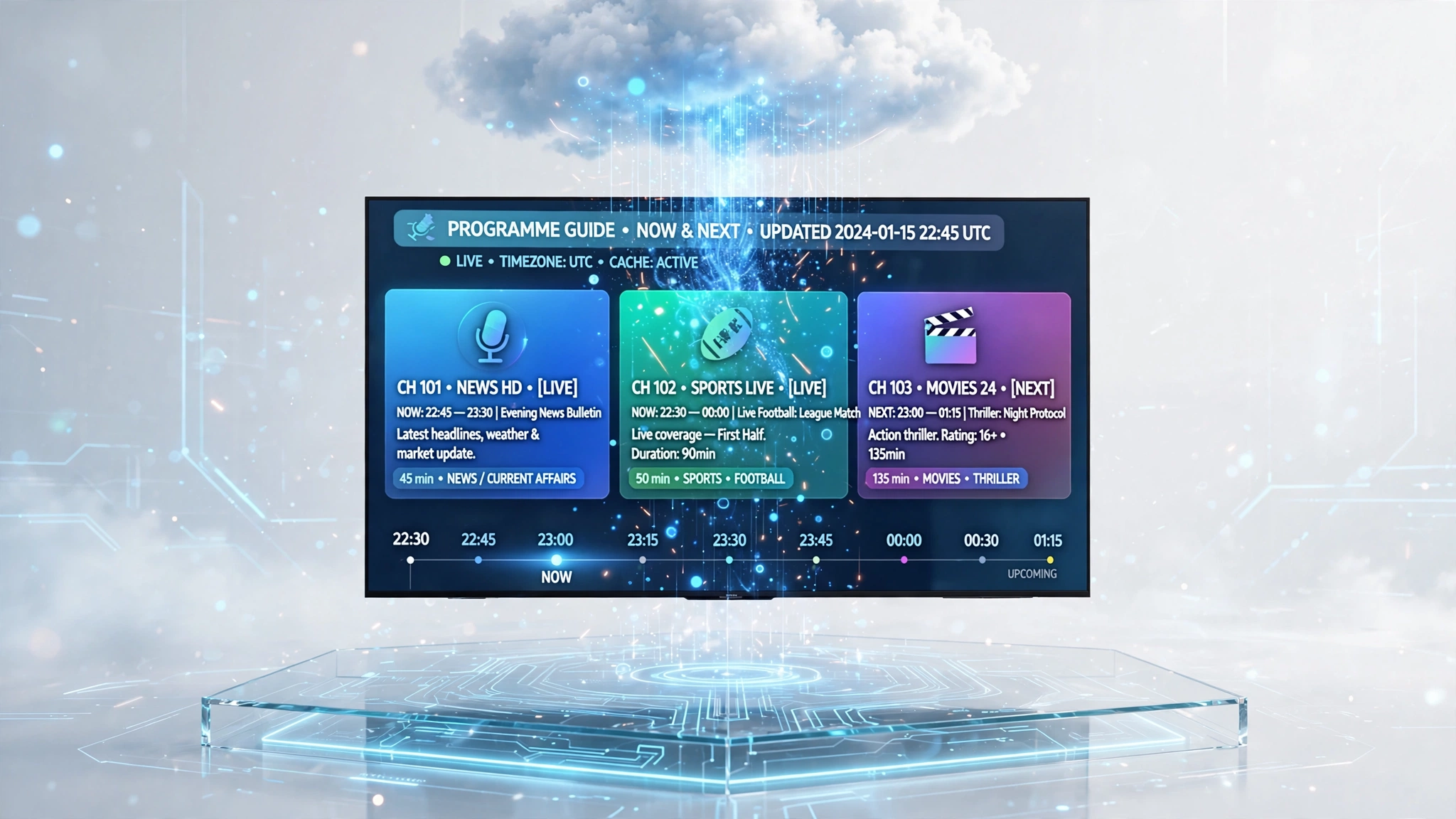
How EPG works in IPTV comes down to a short chain, and each link can break independently.
The chain is short, and each link can break independently.
        Playlist (M3U or Xtream Codes)
                    ↓
            Channel identifier
                    ↓
              XMLTV guide file
                    ↓
              Programme data
                    ↓
        Player displays the schedule
What an XMLTV File Contains
XMLTV is the most widely used guide format for both broadcast and IPTV services. It is an XML-based file, and it has two sections: a list of channels with their identifiers and display names and a list of programmes.
Each programme entry carries a start time, a stop time, a channel ID, a title and a description. Optional fields extend that further — category, episode number, rating, and a poster image.
Most providers expose these as .xml files or compressed to reduce the download size. A guide covering several days across hundreds of channels is a large file, which is why the initial download takes minutes rather than seconds.
Some newer platforms deliver schedules through JSON APIs instead, which suits real-time updates better than a static file. For consumer IPTV, XMLTV remains the standard.
How Your Playlist Connects to It
This is the part almost nobody explains, and it is where most guide problems originate.
Your playlist and your guide are separate files. Each channel in the playlist carries an identifier. Each programme entry in the guide file is indexed against its channel ID. The player matches one against the other, and where they correspond, programme data appears for that channel.
Where they do not correspond, the channel shows nothing — not because the download failed, but because there is no entry in the guide bearing that channel’s identifier.
An EPG URL is often included inside an M3U playlist as a reference, telling the player where to fetch the schedule data for the channels in that list.
Xtream Codes vs M3U Delivery
How the guide reaches your player depends on how you connected.
| Connection | Guide delivery |
|---|---|
| Xtream Codes | Retrieved automatically from the provider’s server alongside the channel list |
| M3U | Usually needs a separate XMLTV URL entered manually |
This feature is one of the practical advantages of an Xtream Codes connection, and it comes up again in Xtream Codes vs M3U.
For the actual configuration steps in each app, see the IPTV EPG setup guide.
What Good EPG Data Looks Like
A well-maintained guide is recognisable without any technical inspection.
| Aspect | Well-maintained | Poorly maintained |
|---|---|---|
| Time zone | Correct for Australian viewing | Published in a foreign reference time with no offset applied |
| Coverage | Most channels carry programme data | Large sections of the guide sit empty |
| Depth | Several days ahead | Current programme only, or nothing |
| Currency | Reflects recent schedule changes | Shows listings that no longer match what is airing |
| Detail | Titles with descriptions and categories | Bare titles, or nothing beyond a name |
EPG, Time Shift and Catch-Up — Not the Same Thing
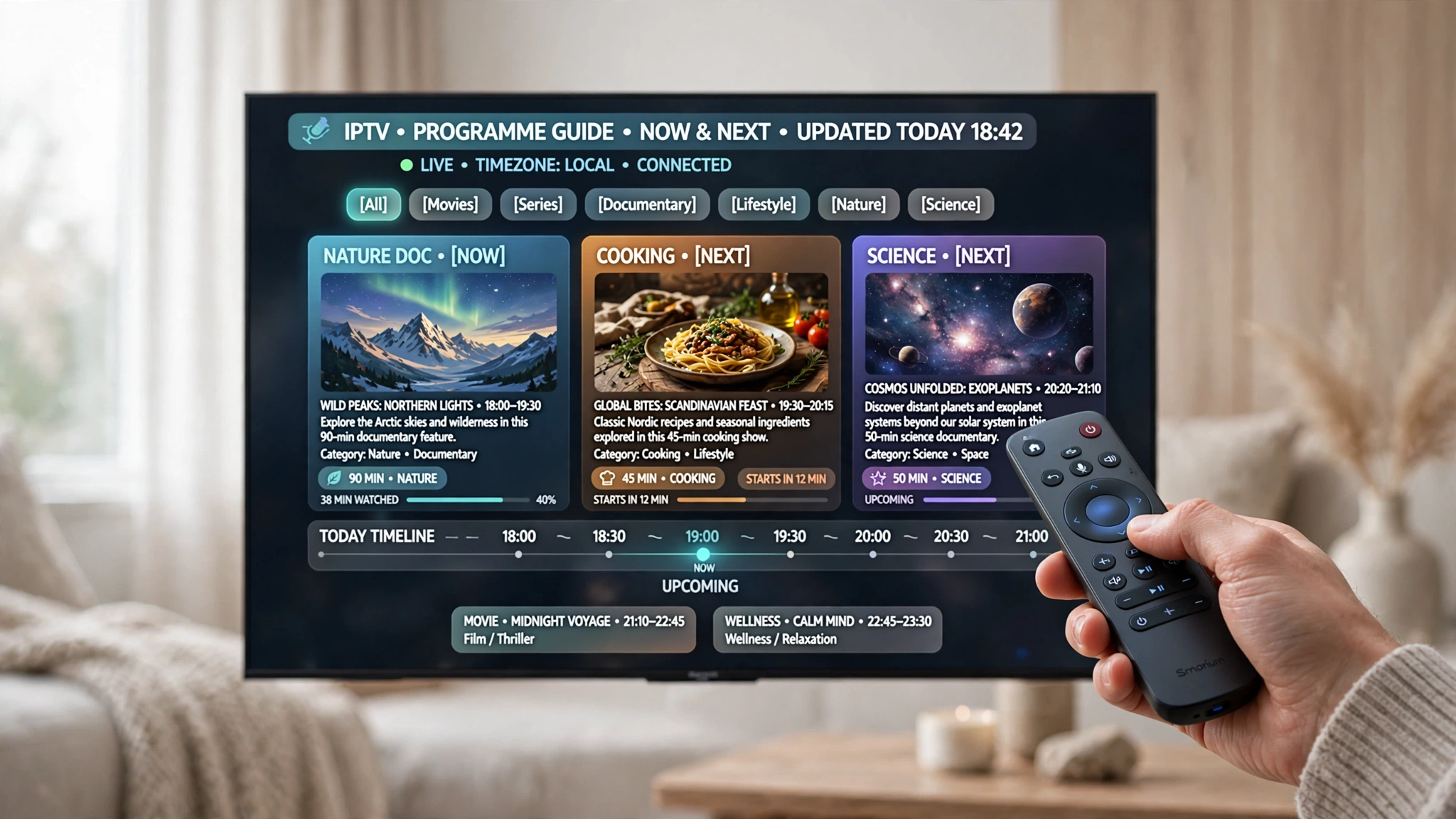
These three get used interchangeably, and they are distinct features.
EPG is the schedule itself — information about what is on and when.
Time shift lets you pause, rewind and fast-forward live content. The system buffers the live stream in the background, and you scrub through it from the guide interface.
Catch-up lets you watch content that aired in the past, typically within a window of a day or two.
The relationship matters: catch-up and time shift are usually accessed through the guide, which is why they stop working when the guide does. But a working guide does not mean either feature is available — that depends entirely on whether your provider supports them.
Why an EPG Makes IPTV Easier to Use
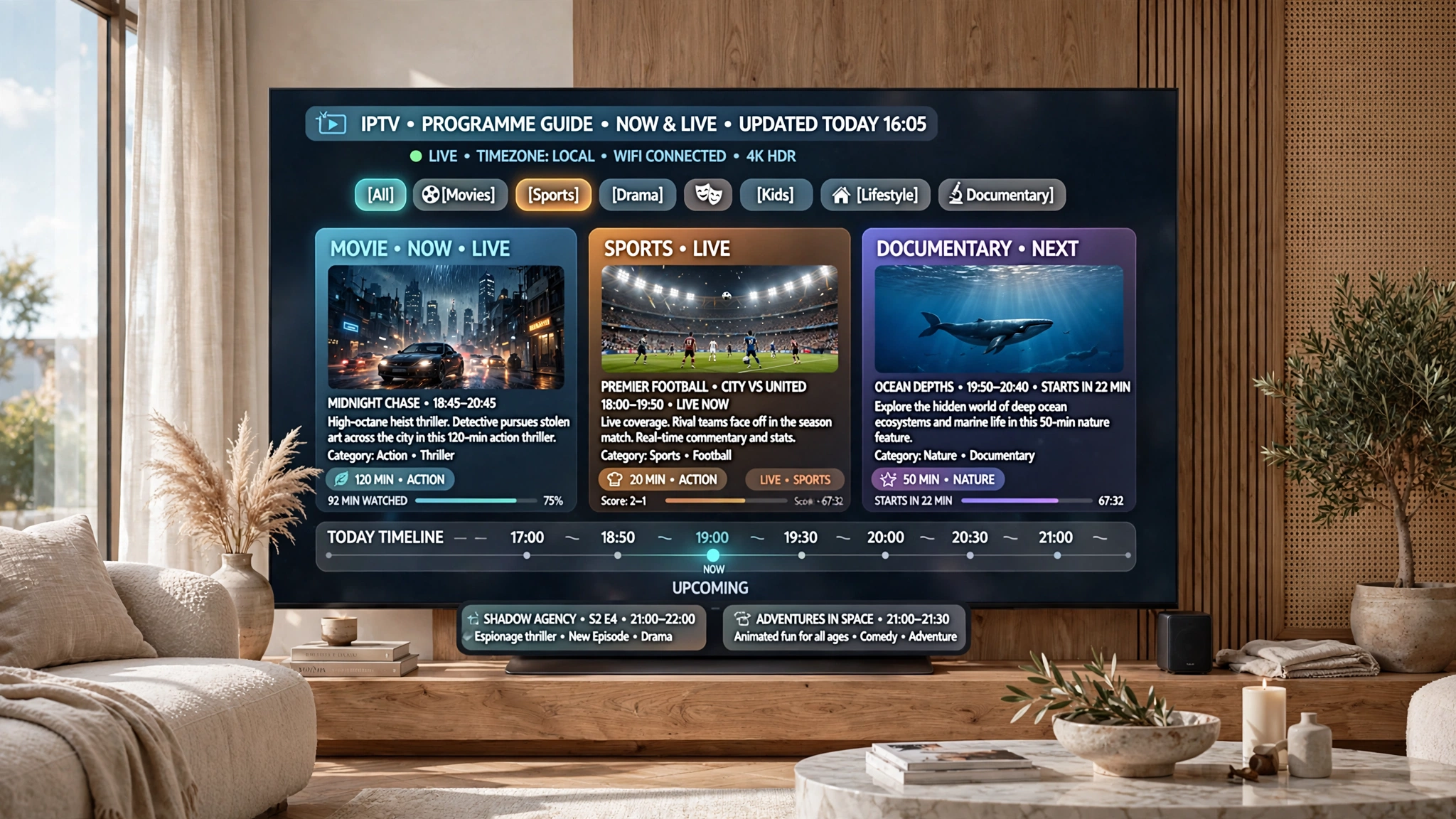
The practical benefits are worth stating plainly, because they explain why a missing guide feels so much worse than the missing feature it technically is.
You can see what is on without checking channels one by one. With hundreds of channels, browsing blind is not really browsing.
You can plan. Knowing a match starts at 9:30 pm is different from discovering it at 10.
You can search. Most players let you search the guide by programme title rather than hunting through a channel list.
Reminders and recordings become possible. Both work from schedule data — without it, neither exists as a feature.
Catch-up becomes navigable. Where a provider offers it, the guide shows you how to reach it.
How to Judge EPG Quality During a Trial
Guide quality is quick to assess and tells you something before you commit to anything longer. Four checks, none of which need more than a few minutes.
Do the major channels carry programme data? Please open the guide and check the channels you would actually watch. Data on obscure channels while the main ones sit empty is a poor sign.
Are the times correct? Find a channel showing live news and compare the listed start time against the actual time where you are. If they match, the source and offset are both right.
Does the guide update? Verify it on two different days. A guide that never changes is obsolete.
Do newly added channels arrive with data? Providers add channels regularly. Whether those arrive with matching guide entries tells you whether the guide is maintained alongside the lineup or separately from it.
Why EPG Quality Signals Provider Standards
EPG quality is a useful early indicator of overall service quality, and the reasoning is structural rather than statistical.
Maintaining accurate, timezone-correct guide data requires ongoing work: collecting schedule changes, formatting them, aligning identifiers as the channel lineup shifts, and serving the files reliably. These are the same operational habits that produce stable streams and responsive support.
A provider neglecting the guide is not necessarily neglecting everything else. But it is a visible sign of where their attention goes, and it costs you nothing to notice it. For a fuller assessment framework, see how to evaluate an IPTV provider.
Limitations Worth Knowing
Some channels have no guide data available anywhere, regardless of provider. Regional and niche channels are frequently absent from guide files entirely, and empty entries on those are expected rather than a fault.
Guide files vary in depth. Some carry only titles, with no descriptions or categories. No setting produces detail the source never contained.
And where the guide is blank or wrong, the cause is usually configuration or identifier matching rather than the provider’s data itself — the IPTV EPG not working guide covers the full diagnostic sequence.
Legal Considerations
IPTV technology is legal in Australia. Guide data is schedule information and carries no separate legal status — what determines legality is the service behind the playlist and whether it holds appropriate content distribution licences.
ACMA, the Australian Communications and Media Authority, is the federal regulator for broadcasting and online content. Under the Copyright Act 1968 (Cth), it can direct internet providers to block sites that facilitate copyright infringement.
Full framework: Is IPTV legal in Australia?
This article is for educational purposes only. Verify the licensing status of any streaming service and ensure compliance with Australian copyright law before subscribing.
Explore More
EPG
IPTV EPG setup Australia · IPTV EPG not working · TiviMate configuration
Playlists and connection
Xtream Codes vs M3U · How to use an M3U playlist · IPTV setup Australia
Choosing a service
How to evaluate an IPTV provider · IPTV free trials · Best IPTV Australia
Reference
IPTV Australia guide · Troubleshooting hub
Bottom Line
If you are trying to understand what EPG is, it is the schedule, delivered separately from your channels as an XMLTV file, matched to your playlist by channel identifier.
If your guide is blank or wrong, that separation is why. The channels working tell you nothing about the guide, and the fix depends on which link in the chain broke — see IPTV EPG not working.
If you are assessing a provider, the guide is the fastest thing to check. It takes minutes, and it reveals maintenance habits that are otherwise invisible until something breaks.
Understanding the mechanism is what makes the rest of the process tractable. A guide that fails is not a mysterious app problem — it is a specific break in a short, visible chain.
Sources
- Muvi — What is EPG and how does it work — XMLTV structure and format
- ACMA — regulatory framework